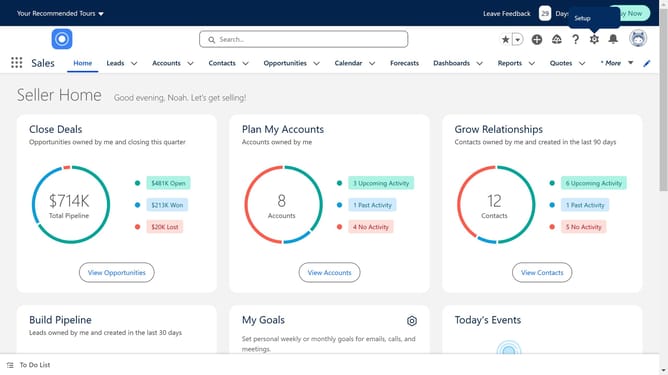
How to integrate ActiveCampaign with Salesforce
Here is how to integrate activecampaign with salesforce
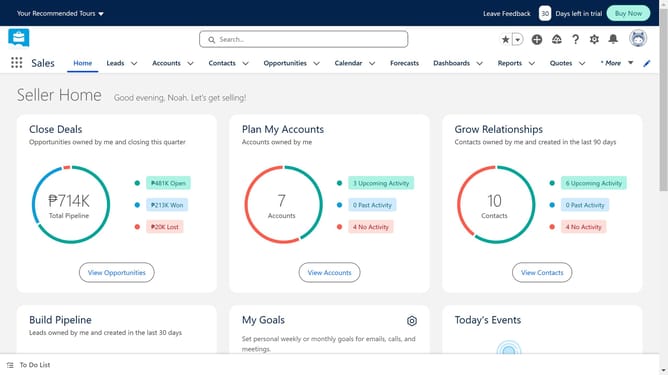
- First click in the search box in the top navigation bar
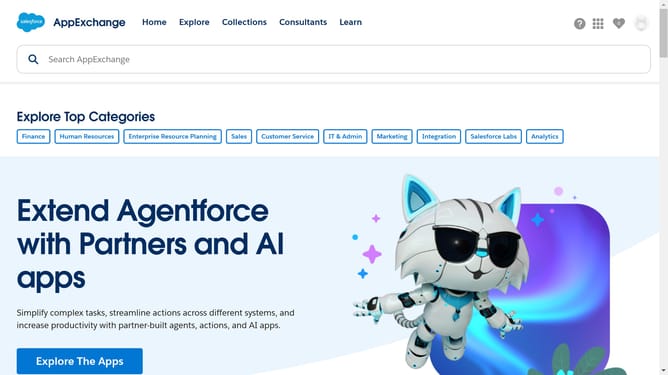
- Type "ActiveCampaign" in the search box
- Select "ActiveCampaign" from the search suggestions dropdown
- Click on the "ActiveCampaign: Email, SMS and Marketing Automation" app card in the search results
- Click on the "Try It Free" button in the app details page
- Click on the "Try in your sandbox" option in the trial type selection
- Click on the "Continue to Installation" button after filling out the contact form
- Click on the "Log In & Install" button on the installation confirmation page
- Click on the "Use Custom Domain" link on the login page
- Click inside the custom domain input field
- Click on the "Continue" button after entering the custom domain
- Click on the "Install" button after choosing an installation option
- Click the checkbox to grant access to third-party websites
- Click the "Continue" button to approve third-party access
Why should you integrate ActiveCampaign with Salesforce
Salesforce is a leading customer relationship management platform designed to streamline business processes and enhance customer interactions.
Integrating ActiveCampaign with Salesforce brings a wealth of benefits, melding robust CRM capabilities with sophisticated marketing automation.
This integration empowers businesses to synchronize data seamlessly, ensuring that marketing and sales teams have access to the same up-to-date customer information.
By combining these tools, businesses can create more targeted campaigns and improve lead conversion rates, ultimately fostering stronger customer relationships.
Last update