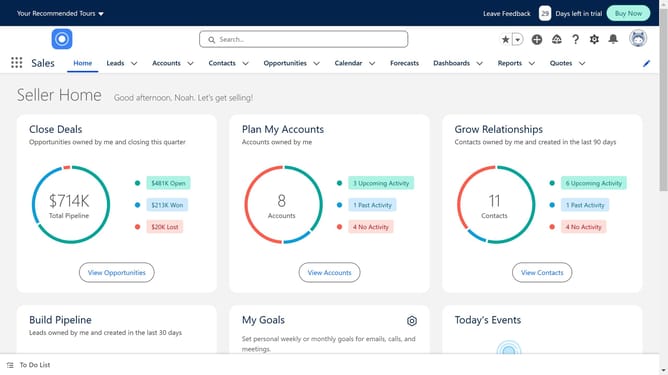
How to enable inline editing in Salesforce
Here is how to enable inline editing in salesforce
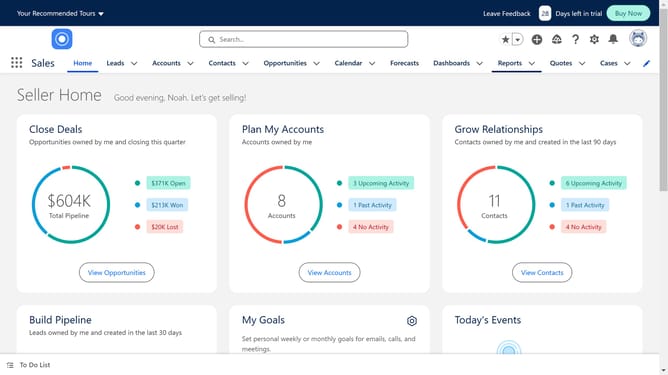
- First click on the settings icon in the top right corner of the header
- Then click on "Setup" option in the dropdown menu
- Click on "Feature Settings" in the left sidebar menu
- Select "Analytics" under Feature Settings in the sidebar
- Click on "Reports & Dashboards" option in the expanded Analytics menu
- Select "Reports and Dashboards Settings" in the expanded menu
- Make sure to turn on the "Enable Inline Editing in Reports" checkbox in the User Interface section
- Click the "Save" button at the bottom of the settings page
- Click on "Reports" in the top navigation menu
- Open any one of the reports
- Click on "Enable Field Editing" button in the report toolbar
- You will now see an edit sign next to your fields
- You can now make quick edits directly from the report
Why should you enable inline editing in Salesforce
Salesforce is a leading customer relationship management platform designed to streamline business processes and enhance customer interactions.
One of its valuable features is inline editing, which allows users to quickly update records directly within the list view. This simplifies data management while saving time.
By enabling inline editing, businesses benefit from improved efficiency, as changes can be made swiftly without navigating away from the screen. This feature enhances productivity, making Salesforce an indispensable tool for dynamic and fast-paced environments.
Last update