How to delete a user in Salesforce
Here is how to delete a user in salesforce
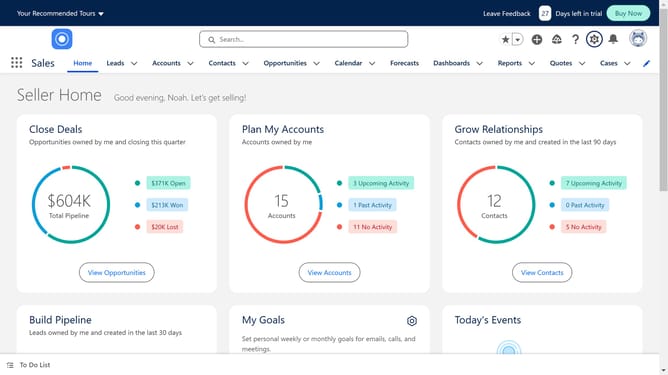
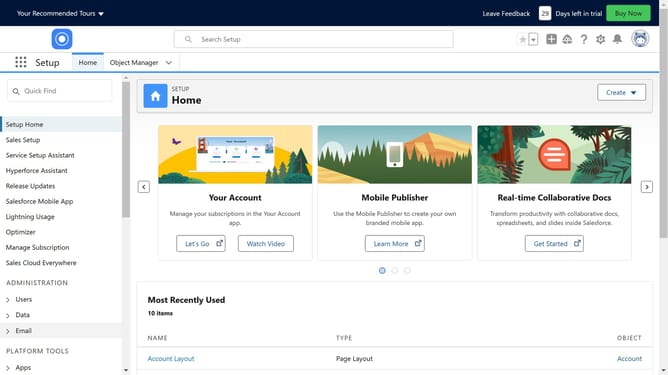
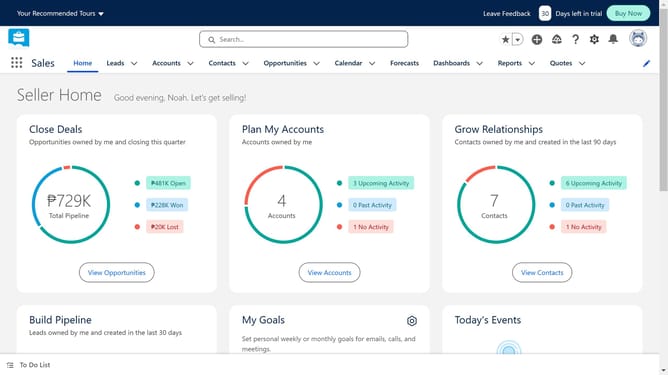
- First click on the settings gear icon in the top menu bar
- Then click on the "Setup" option in the dropdown menu
- Next click on the "Quick Find" search box in the left sidebar
- Then type "user" in the Quick Find search box
- Click on the "Users" item in the left sidebar navigation
- Then click on the "Edit" link of the user you want to delete
- Click to uncheck the "Active" checkbox in the user edit form
- Click "OK" on the deactivation confirmation popup
- Verify that the user status checkboxes are unchecked in the form
- Finally click the "Save" button at the bottom of the form
Why should you delete a user in Salesforce
Salesforce is a dynamic customer relationship management platform designed to streamline business operations and enhance client interactions.
Efficiently managing user accounts is crucial to maintaining an organized system. The ability to delete a user in Salesforce helps in keeping your team list up-to-date and relevant. This feature ensures that only essential users have access, thereby safeguarding sensitive information.
Moreover, removing inactive users optimizes system performance and reduces clutter, allowing your team to focus on productive activities instead of administrative upkeep.
Last update