How to log a call in Salesforce
Here is how to log a call in salesforce
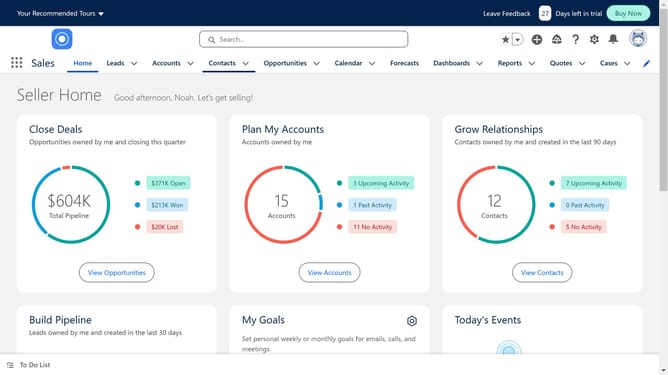
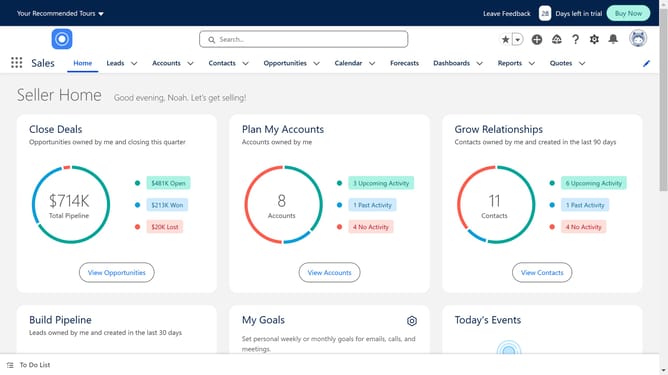
- First click on the "Leads" tab in the top navigation menu
- Then click on the lead whose call you want to log
- Next click on the "Call" button in the top-right action panel
- After editing click the "Save" button in the bottom-right corner of the call dialog window
Why should you log a call in Salesforce
Salesforce, a powerhouse for customer relationship management, helps businesses streamline platforms for enhanced productivity.
Logging a call in Salesforce involves documenting interactions with clients, ensuring every detail is captured for future reference.
This feature provides a seamless way to maintain a historical record, facilitating better customer relationships by ensuring your team is always informed.
Ultimately, utilizing this feature enhances decision-making and drives consistent customer engagement.
Last update