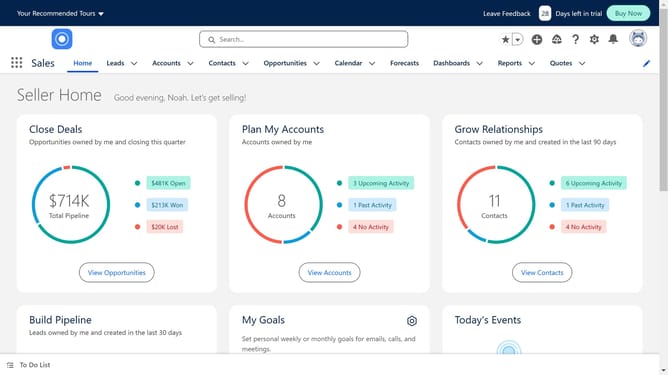
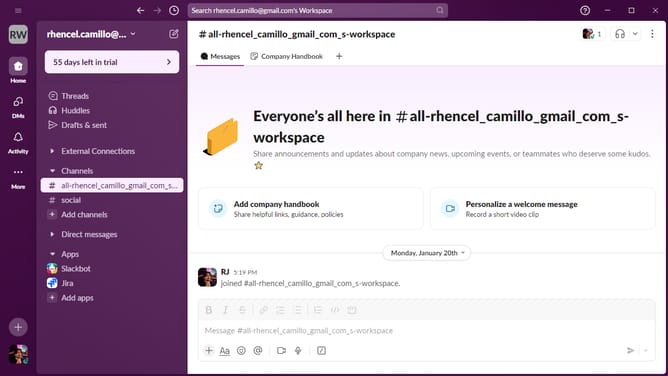
How to integrate Salesforce with Jira
Here is how to integrate salesforce with jira
- First click on the search box in the app marketplace
- Next, type "Salesforce" in the main search field
- Then click on the suggested "salesforce" search item
- Click on the "Connector for Salesforce & Jira" app card in the search results
- Click the "Try it free" button in the top right corner
- Then click the "Start free trial" button in the confirmation dialog
- Click "Configure" in the success message after installation
- Click the "Add connection" button in the Salesforce Connections screen
- Enter a name in the "Connection name" field of the authorization form
- Click the "Authorize" button to proceed with the connection
- Click the "Allow" button in the Salesforce permissions dialog
- Finally, click the "Import" button in the Import Compact Layouts dialog
Why should you integrate Salesforce with Jira
Salesforce is a powerful customer relationship management (CRM) platform designed to streamline business processes and enhance customer interactions.
Integrating Salesforce with Jira brings together customer relationship insights with robust project management capabilities.
This collaboration helps teams to maintain transparency and streamline workflows by syncing data across both platforms.
With Salesforce and Jira integration, businesses can boost productivity, improve communication, and deliver enhanced customer satisfaction.
Last update