How to share a dashboard in Salesforce
Here is how to share a dashboard in salesforce
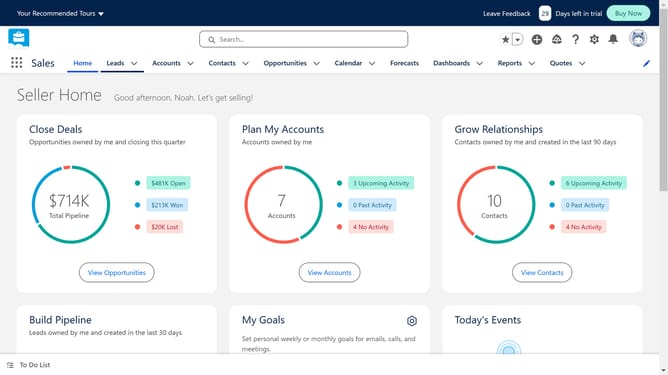
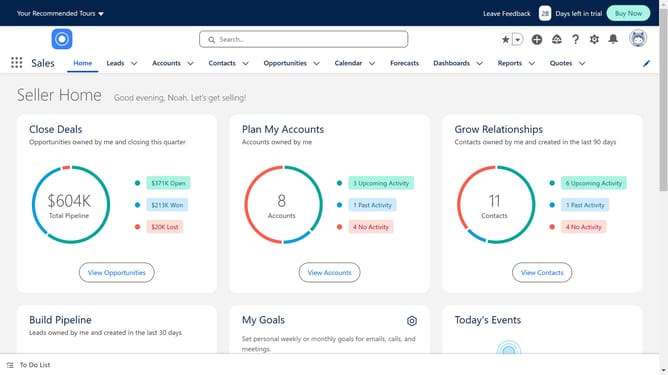
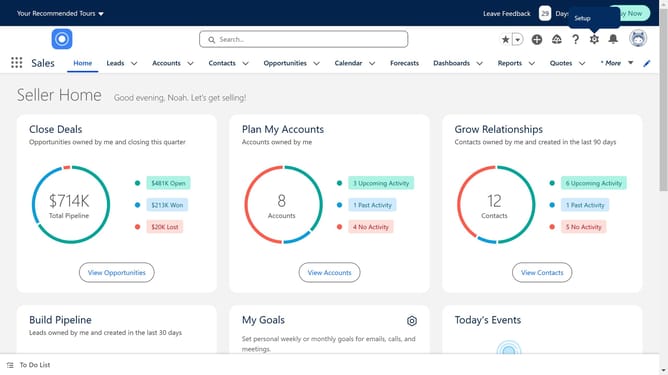
- First click on the "Dashboards" tab in the top navigation menu
- Then click on "New Folder" button in the top right corner
- Click in the "Folder Label" text field
- Click on the "Save" button to create the folder
- Click on "All Dashboards" in the left sidebar
- Click on the action menu (arrow down) of the dashboard you want to share
- Select "Move" from the dropdown menu
- Select the folder you newly created
- Click the "Select Folder" button to confirm the move
- Click on "All Folders" in the left sidebar navigation
- Click on the action menu (arrow down) of the folder you want to share
- Select "Share" from the dropdown menu
- Click on the "Users" dropdown menu
- Select "Public Groups" from the dropdown options
- Click in the "Search Public Groups" field
- Click on "Entire Organization" in the search results
- Finally click the "Done" button below to share your folder containing your dashboard
Why should you share a dashboard in Salesforce
Salesforce is a dynamic platform designed to streamline business processes and enhance customer relationships.
The feature of sharing dashboards in Salesforce allows team members to collaborate effortlessly by providing access to key metrics and insights.
Utilizing this feature ensures that everyone is aligned and decision-making is supported by real-time data, improving efficiency and fostering a proactive business environment.
By sharing dashboards, businesses can create a culture of transparency and accountability, leading to better performance and outcomes.
Last update