How to add a field to the task object in Salesforce
Here is how to add a field to the task object in salesforce
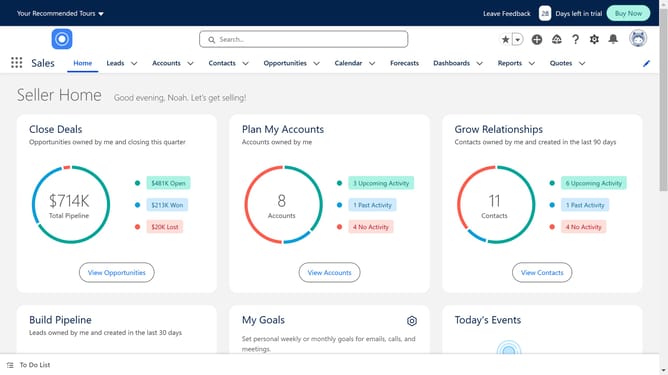
- First click on the "Settings" icon in the top toolbar
- Then click on "Setup" from the settings dropdown menu
- Next click on "Object Manager" in the top navigation menu
- Click on "Activity" link in the object list
- Select "Fields & Relationships" from the left sidebar menu
- Click the "New" button in the Fields & Relationships view
- Choose the appropriate data type for your field
- Fill in the needed information for your custom field
- Click the "Next" button to proceed to the next step
- Click the "Next" button again to proceed to field-level security
- Finally click "Save" button to save the new custom field
Why should you add a field to the task object in Salesforce
Salesforce is a powerful platform designed to streamline business operations by managing customer relationships effectively.
Adding a field to the task object in Salesforce allows organizations to tailor data capture to their unique needs, ensuring that crucial task-related information is always at their fingertips.
This feature enhances customization, enabling teams to track and analyze specific data points which can significantly improve workflow efficiency and decision-making processes.
Utilizing this capability maximizes the functionality of Salesforce, providing businesses with a more precise and comprehensive view of tasks.
Last update