How to add quote line items in Salesforce
Here is how to add quote line items in salesforce
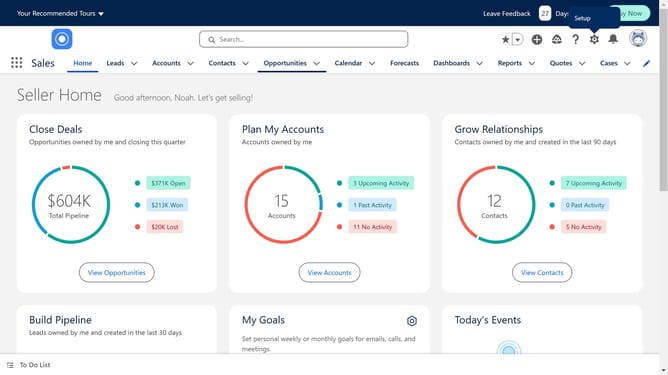
- First click on the "Opportunities" tab in the top navigation menu
- Locate the specific opportunity record where you want to add the line items
- Click on the "Quotes" link in the right sidebar menu
- Click on the existing quote
- Click on the "Add Products" button in the Quote Line Items section
- Select the products to be added to the quote
- Click the "Next" button in the Add Products dialog
- Enter the desired quantity
- Click the "Save" button in the Edit Selected Quote Line Items dialog
- Click the dropdown menu button in the top-right corner of the quote page
- Select "Start Sync" from the dropdown menu
- Finally, click the "Continue" button in the Sync Quote confirmation dialog
Why should you add quote line items in Salesforce
Salesforce is a powerful customer relationship management (CRM) platform that helps businesses streamline their sales and customer services.
Adding quote line items in Salesforce enhances the accuracy and efficiency of sales operations. Quote line items allow users to itemize products or services within a quote, providing clarity and detail for each transaction.
This feature ensures personalized and precise sales proposals, ultimately fostering better client relationships and boosting business credibility.
Last update