How to connect Salesforce to Box
Here is how to connect salesforce to box
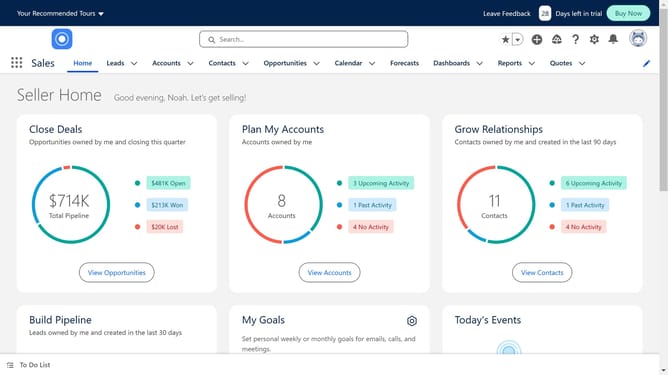
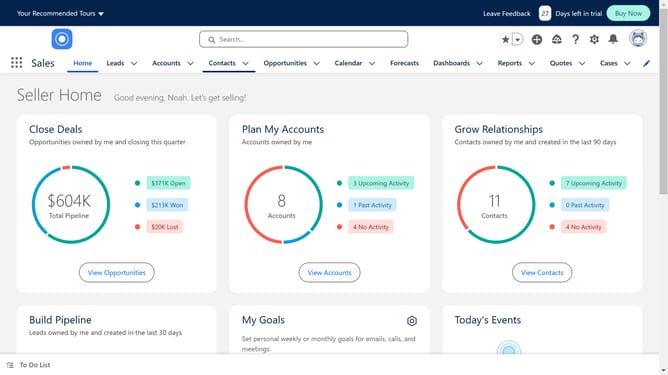
- First click on the search box in the top header to start searching
- Type 'Box' in the search field to begin searching for Box application
- Click on the suggested search term 'Box' from the dropdown list
- Select the Box application card from the search results
- Click the 'Try It Free' button on the Box application details page
- Click on the 'Try in your sandbox' option in the trial selection screen
- Click the 'Continue to Installation' button after filling out the contact information
- Click on the "Log In & Install" button on the installation confirmation page
- Click on the "Use Custom Domain" link on the login page
- Click inside the custom domain input field
- Click on the "Continue" button after entering the custom domain
- Click on the "Install" button after choosing an installation option
- Click the checkbox to grant access to third-party websites
- Finally click the 'Continue' button to complete the third-party access approval
Why should you connect Salesforce to Box
Salesforce is a powerful platform designed to enhance your business efficiency by managing customer relationships effectively.
Integrating Salesforce with Box offers a dynamic solution for seamless data management and enhanced team collaboration. This connection allows you to access and share important files directly from within your Salesforce environment.
By connecting these two platforms, you can significantly improve productivity by automating workflows and ensuring all team members have easy and instant access to the most current project files. This not only saves time but also ensures better alignment and transparency among team members.
Last update