How to add a global action in Salesforce
Here is how to add a global action in salesforce
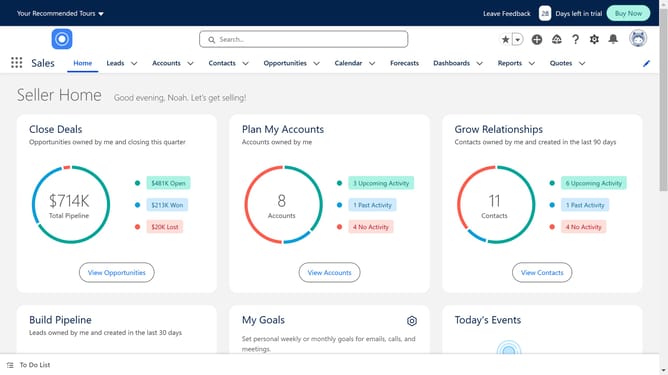
- First click on the gear icon in the top menu bar to access Setup
- In the Setup Menu, click on the "Setup" option
- In the left sidebar, click on "User Interface"
- Under User Interface section, click on "Global Actions"
- Expand the Global Actions menu and click on "Global Actions"
- Enter the information for your desired Action Type
- Click "Save" button to save the new action configuration
- Click the "Save" button again
- Click "Home" tab in the top navigation to return to Setup home
- In the left sidebar, click on "Publisher Layouts"
- In the Publisher Layouts section, locate and click on "Mobile & Lightning Actions"
- Click and hold the action you just created
- Drag and drop it on the interface
- In the top toolbar of the Publisher Layouts page, click "Save" to finalize all changes
Why should you add a global action in Salesforce
Salesforce is a dynamic customer relationship management platform designed to streamline business operations and enhance customer interactions.
Adding a global action in Salesforce is a powerful feature that empowers users to increase efficiency and productivity. By implementing global actions, users can perform tasks quickly, no matter where they are within the platform.
This feature is ideal for organizations looking to simplify their processes, as it offers users the ability to perform critical functions without navigating through multiple tabs.
Ultimately, using global actions in Salesforce leads to a more streamlined workflow and improved business outcomes.
Last update