How to create a sharing rule in Salesforce
Here is how to create a sharing rule in salesforce
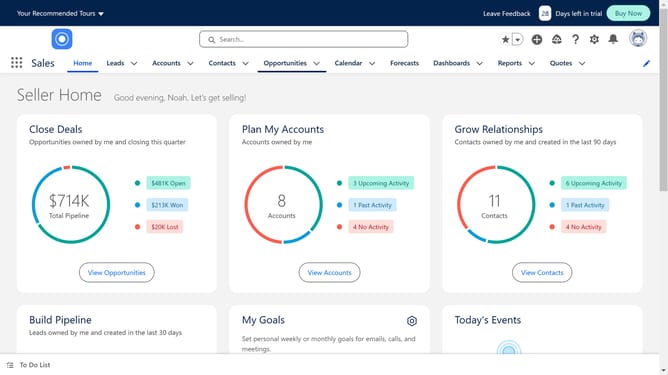
- First click on the gear icon in the top right corner of the header menu
- Then click on the "Setup" option in the dropdown menu
- Click on the "Quick Find" search box in the left sidebar
- Type "Sharing" in the Quick Find search box
- Click on "Sharing Settings" in the left sidebar menu under Security section
- Click on the dropdown menu and select the object you want to create a sharing rule for
- Click on the "New" button in the Account Sharing Rules section
- Give your rule a name
- Configure your rule by choosing the rule type, which records to be shared, the users and level of access
- Once satisfied, click on the "Save" button at the bottom of the form
Why should you create a sharing rule in Salesforce
Salesforce is a robust platform designed to enhance customer relationship management with powerful tools and features.
One of its invaluable features is the ability to create sharing rules. Sharing rules in Salesforce empower users to define how records are shared among team members, ensuring that the right people have access to essential data.
By utilizing sharing rules, organizations can enhance collaboration, improve data visibility, and maintain data security effortlessly. The flexibility offered by sharing rules allows teams to streamline operations and boost overall efficiency.
Last update