How to mass delete records in Salesforce
Here is how to mass delete records in salesforce
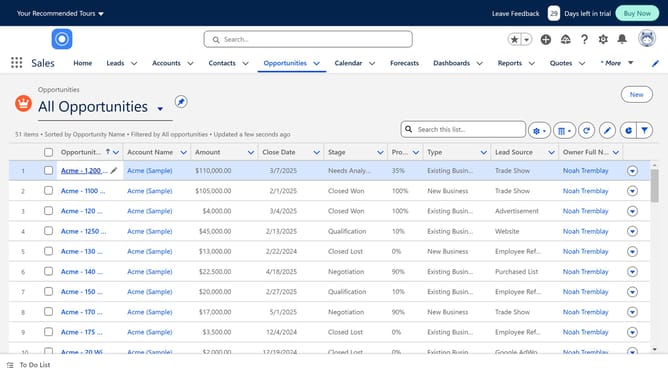
- First click on the "Settings" icon in the top toolbar
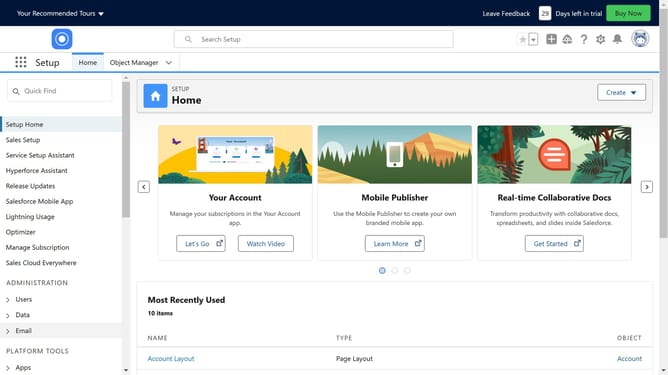
- Then click on "Setup" in the settings dropdown menu
- Next click on "Data" option in the left sidebar
- Then click on "Mass Delete Records" in the expanded Data menu
- Select the type of record you want to delete
- You can Find Records you want to delete based on criteria if you want
- Click the "Search" button to find contacts matching the criteria
- From the displayed contacts list, select specific contacts by checking their checkboxes
- Finally click the "Delete" button at the bottom of the page to remove selected contacts
Why should you mass delete records in Salesforce
Salesforce is a leading customer relationship management platform designed to streamline and optimize business operations.
The mass delete feature in Salesforce is an efficient tool designed to enhance data management by allowing users to remove large volumes of records effortlessly. Using this feature helps to maintain a clean database, which is critical for accurate reporting and analytics.
By using mass delete, companies can significantly reduce manual data cleanup efforts, saving time and minimizing error potential. This leads to improved productivity and overall system efficiency.
Last update