How to add a product family in Salesforce
Here is how to add a product family in salesforce
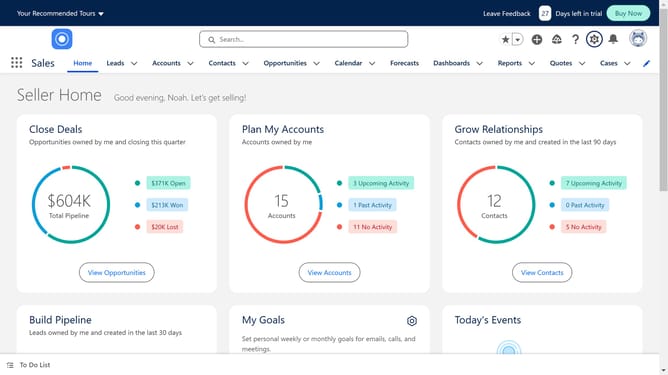
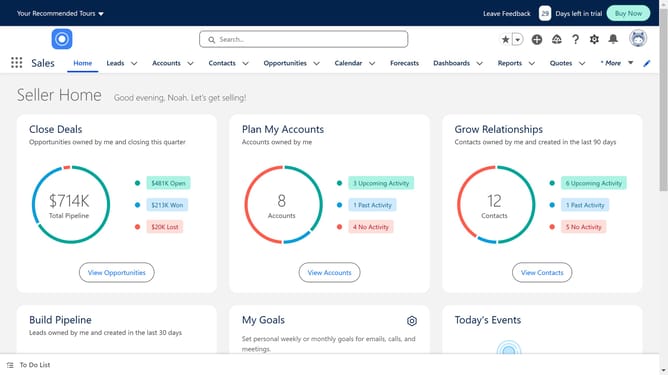
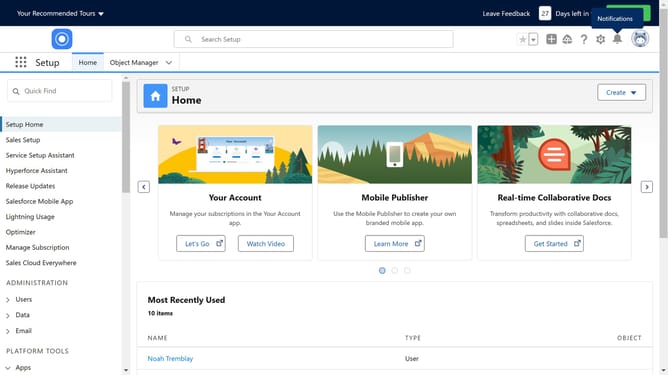
- Click on the gear icon in the top menu to open the "Setup Menu"
- Click on the "Setup" option in the dropdown menu
- Click on the "Object Manager" tab in the top navigation bar
- Click on the "Product" item in the objects list
- Click on the "Fields & Relationships" option in the left sidebar
- Click on the "Product Family" field in the fields list
- Click on the "New" button in the Product Family Picklist Values section
- Add the new Product family names in each line
- Click on the "Save" button to save the new picklist values
Why should you add a product family in Salesforce
Salesforce is a powerful customer relationship management platform designed to streamline business operations.
One of its notable features is the ability to add a product family, which allows businesses to categorize their products into logical groupings.
Utilizing product families in Salesforce enhances the organization of product catalogs, making it easier for sales teams to track and manage inventory efficiently.
This feature significantly improves data accuracy and speeds up the sales process, ultimately contributing to a smoother customer experience.
Last update