How to make a report public in Salesforce
Here is how to make a report public in salesforce
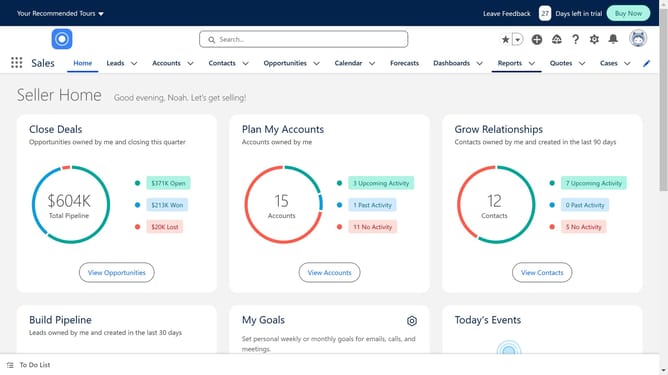
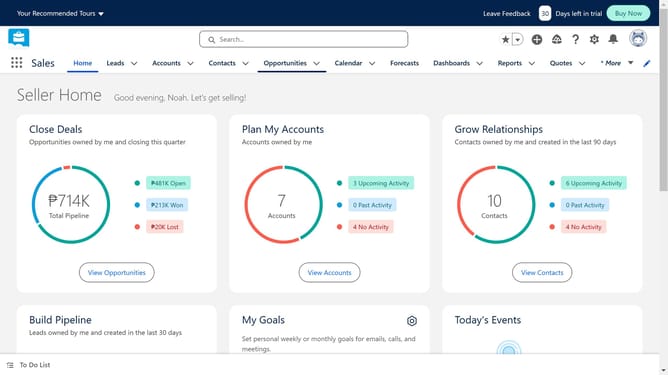
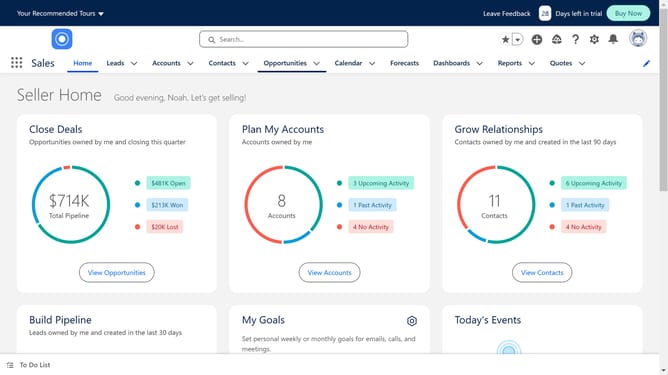
- Click on the "Reports" dropdown in the top navigation menu
- Click on the "New Folder" button in the top right corner
- Click in the "Folder Label" input field of the Create folder dialog to enter a name
- Click the "Save" button to create the folder
- Click the arrow icon next to "New Folder" button to show more options
- Select "Share" from the dropdown menu
- Click the "Users" dropdown in the Share folder dialog
- Select "Public Groups" from the Users dropdown
- Click the "Done" button to save sharing settings
- Navigate back to the Reports page and choose the report you want to make public.
- Click the "Arrow" button
- Select "Move" from the report options menu
- Choose the newly created folder
- Finally click the "Select Folder" button after selecting the Public Folder destination
Why should you make a report public in Salesforce
Salesforce is a leading cloud-based platform designed to streamline business operations by managing customer relationships efficiently.
One vital feature of Salesforce is the ability to make reports public. This functionality enhances collaboration among team members by granting access to critical data insights across the organization. Sharing reports publicly ensures everyone remains on the same page, fostering informed decision-making and strategic planning.
Additionally, public reports increase transparency and save time, as users can swiftly access and assess the shared information without unnecessary roadblocks.
Last update