How to change the opportunity owner in Salesforce
Here is how to change the opportunity owner in salesforce
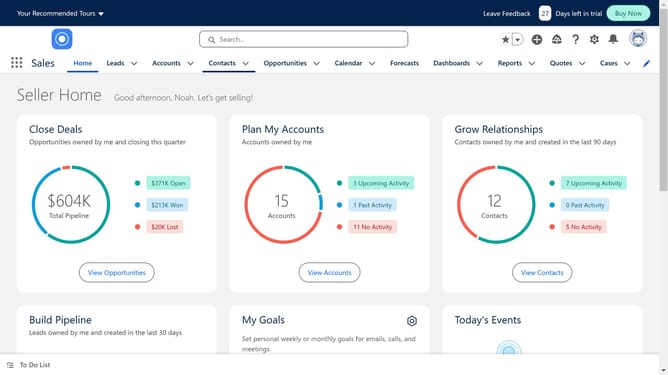
- In the top navigation menu, click on the "Opportunities" tab
- Click the opportunity that you want to change owner from the list
- Look for the Opportunity Owner field in the details section
- From the list, choose the user you want to transfer ownership to
- Click on the "Send notification email" checkbox
- Click the "Change Owner" button in the modal dialog
Why should you change the opportunity owner in Salesforce
Salesforce is a comprehensive customer relationship management (CRM) platform designed to streamline business operations and enhance customer engagements.
Changing the opportunity owner in Salesforce is an essential feature that allows businesses to maintain accurate tracking of sales responsibilities as team dynamics evolve. This flexibility ensures that the most relevant team member manages opportunities, maximizing efficiency and focus.
This function not only facilitates seamless transitions but also enhances accountability, ensuring sales processes run smoothly and effectively, for improved client satisfaction and team productivity.
Last update