How to access AppExchange in Salesforce
Here is how to access appexchange in salesforce
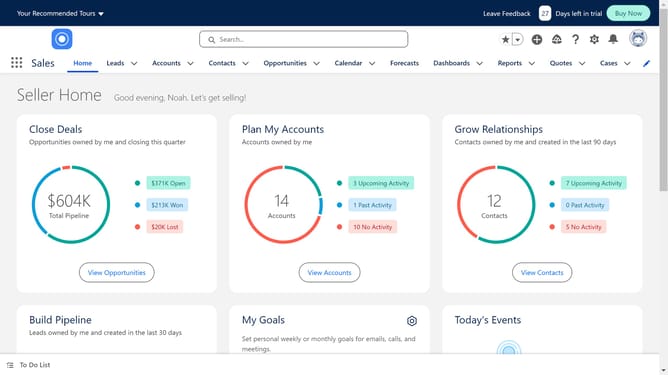
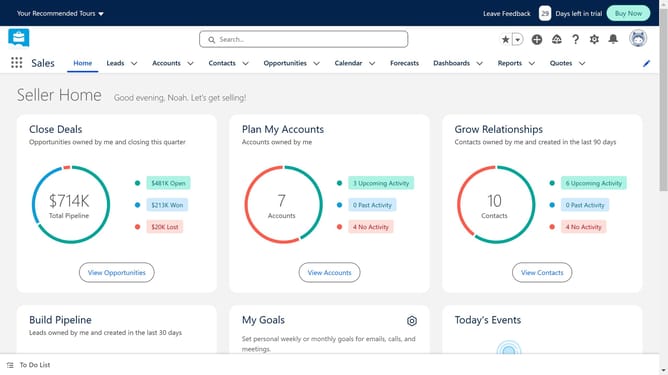
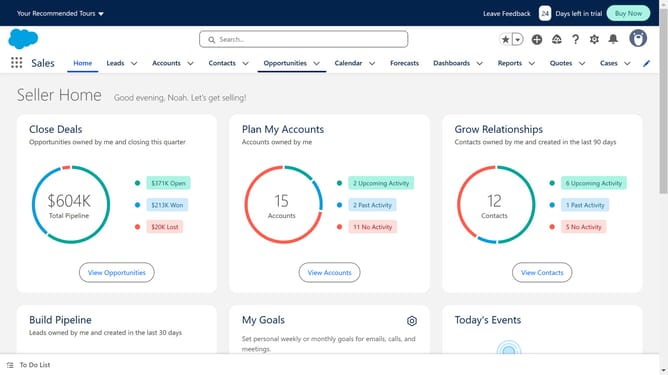
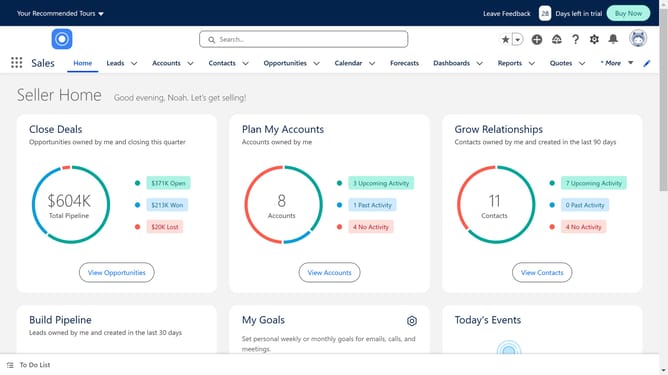
- First click on the app launcher icon in the top-left corner of the main navigation bar
- In the App Launcher sidebar, click on the "View All" button bellow
- At the top of the App Launcher modal, click on the "Visit AppExchange" button
- In the AppExchange confirmation dialog, click the "Go To AppExchange" button
- You will be taken to the AppExchange page. Search the app you want to connect to Salesforce in the search bar
Why should you access AppExchange in Salesforce
Salesforce is a powerful platform tailored for seamless customer relationship management.
Unlocking the AppExchange in Salesforce is straightforward and immensely beneficial. It provides access to a rich ecosystem of apps and services designed to enhance your Salesforce experience. Users can explore solutions to customize their Salesforce environment and boost productivity.
This feature supports business innovation by offering a wide range of integrations. It maximizes Salesforce's potential while fostering growth with tools that suit specific business needs.
Last update