How to access Flexipage in Salesforce
Here is how to access flexipage in salesforce
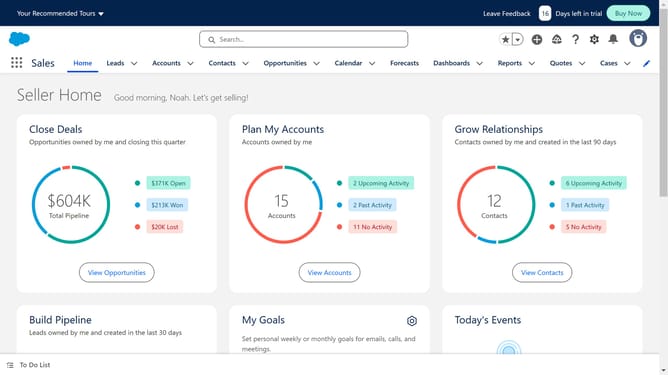
- First click on the gear icon in the top menu to open the Setup Menu
- Then click on "Setup" option in the Setup Menu dropdown
- Next click on "User Interface" option in the left sidebar
- Then click on "Lightning App Builder" option under User Interface section
- Click on "New" button in the Lightning Pages section
- Select "App Page" option from the page type list
- Click "Next" button to proceed
- Enter a name for your Flexipage app
- Click "Next" button to continue
- Select a layout for your App Page
- Click "Done" button to finish template selection
- Finally, you'll see the Lightning App Builder canvas where you can start building your page
Why should you access Flexipage in Salesforce
Salesforce is a leading cloud-based platform designed to enhance customer relationship management and streamline business operations.
Accessing Flexipage within Salesforce offers a powerful way to customize and manage the user interface for specific users, ensuring a tailored experience.
This feature allows businesses to optimize their workflow, improving efficiency and user engagement by presenting relevant information at a glance.
Embracing Flexipage empowers teams to adapt quickly to changing needs and ultimately drives greater productivity.
Last update