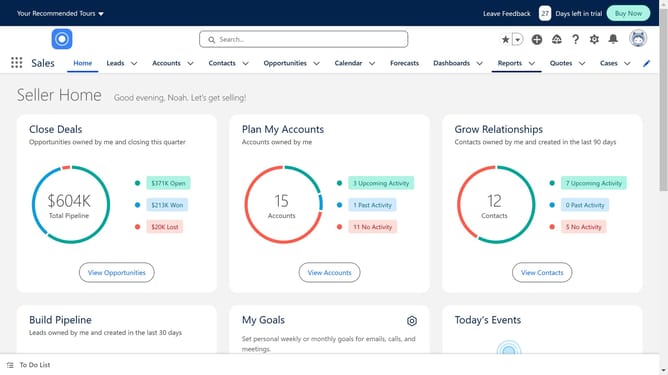
How to add help text in Salesforce
Here is how to add help text in salesforce
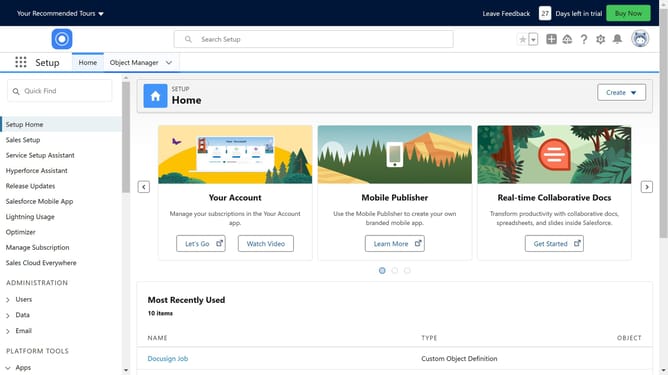
- First click on the settings gear icon in the top menu
- Then click on "Setup" option in the dropdown menu
- Next click on "Object Manager" in the dropdown menu
- Select the object where you want to add the help text
- Select "Fields & Relationships" from the left sidebar menu
- Click on "Website" field in the fields list
- Click the "Edit" button in the field detail view
- Click in the empty "Help Text" field and enter your desired help text
- Finally click the "Save" button at the bottom of the form
Why should you add help text in Salesforce
Salesforce is a leading customer relationship management platform designed to streamline business operations and enhance customer interactions.
Adding help text in Salesforce brings clarity and support, guiding users effortlessly through the platform's features.
Using help text ensures users can easily understand fields and processes, reducing errors and enhancing efficiency.
This feature offers a friendly, informative layer that empowers users, facilitating smoother workflows and improved user experience.
Last update