How to export a Salesforce report to Excel
Here is how to export a salesforce report to excel
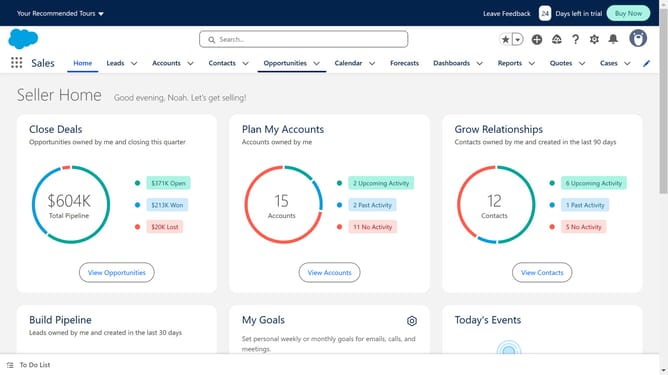
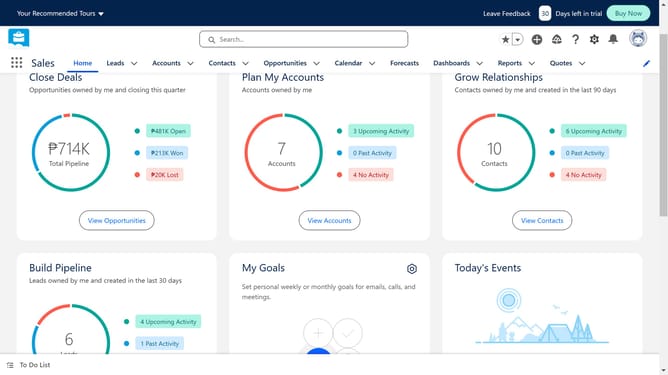
- First click on the "Reports" dropdown in the top navigation menu
- Select the report you want to export
- In the report view, click on the "Edit" dropdown button in the top-right corner
- Select "Export" from the dropdown menu
- Make sure the export format is selected as ".xlsx" file
- Finally click the "Export" button in the Export dialog window
Why should you export a Salesforce report to Excel
Salesforce is a powerful platform designed to streamline customer relationship management and optimize business processes.
Exporting a Salesforce report to Excel is a vital feature that enhances data analysis by enabling users to access their reports in a familiar spreadsheet format.
This functionality allows for easier manipulation, customized views, and detailed data analysis.
By exporting reports, teams can leverage Excel’s robust features, facilitating more informed decision-making and enhancing overall productivity.
Last update