How to change the time zone in Salesforce
Here is how to change the time zone in salesforce
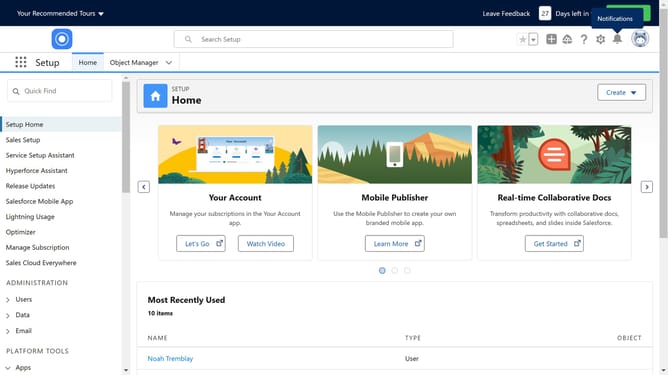
- First click on your profile icon in the top-right corner of the header
- Then click on the "Settings" option in the profile dropdown menu
- In the left sidebar menu, click on "Language & Time Zone" option
- Click on "Time Zone" to reveal a dropdown and choose your desired time zone
- Finally click the "Save" button at the bottom of the form to apply the changes
Why should you change the time zone in Salesforce
Salesforce is a pioneering CRM platform designed to streamline business processes and enhance customer relationships.
Changing the time zone in Salesforce is a feature that adds flexibility and precision to your everyday operations. This feature allows you to ensure that all logged events, meetings, and activities are accurately reflected in your local time, avoiding potential scheduling conflicts or misunderstandings.
Having the correct time zone settings improves data integrity, ensuring deadlines and appointments are met seamlessly. This capability is essential for global teams and individuals who frequently travel, supporting smooth, efficient communication.
Last update