How to merge leads in Salesforce
Here is how to merge leads in salesforce
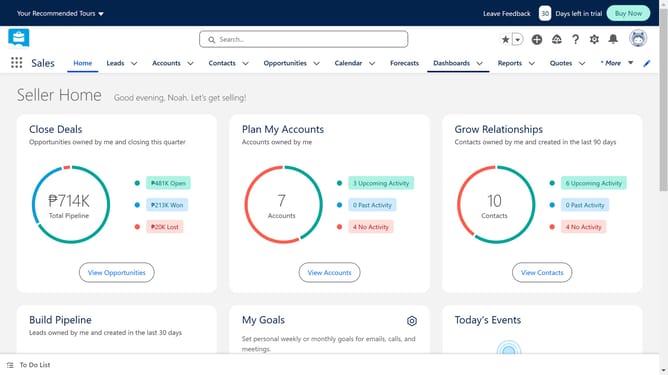
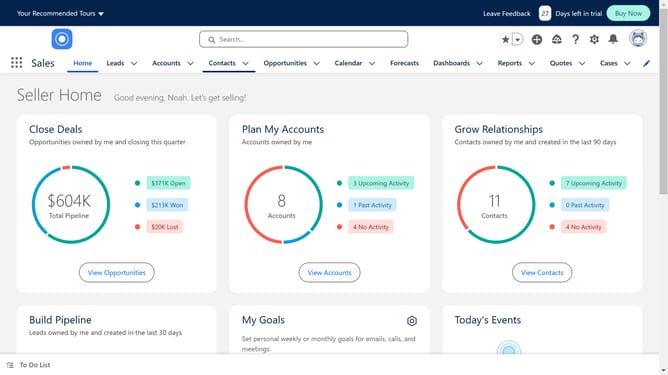
- Click on the "Leads" tab in the top navigation menu
- Select the duplicate lead that you want to merge
- Click on "View Duplicates" link in the notification banner
- Make sure both the boxes for the duplicate leads are checked
- Click on the checkbox for the second duplicate record
- Here you can compare the leads
- Click the "Next" button again to confirm merge settings
- Click the "Merge" button to complete the duplicate records merge
Why should you merge leads in Salesforce
Salesforce, a powerhouse CRM platform, streamlines customer relationship management for businesses worldwide.
One standout feature of Salesforce is its ability to merge leads efficiently. This feature is invaluable for sales teams dealing with duplicate leads, ensuring data is cleanly consolidated.
By merging leads, businesses can prevent the clutter of duplicative information, enabling a more streamlined workflow. This process enhances data accuracy, leading to improved customer interactions and higher sales productivity.
Last update