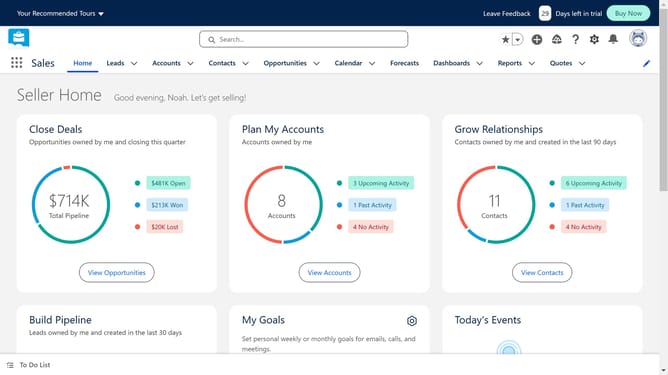
How to convert a lead to a contact in Salesforce
Here is how to convert a lead to a contact in salesforce
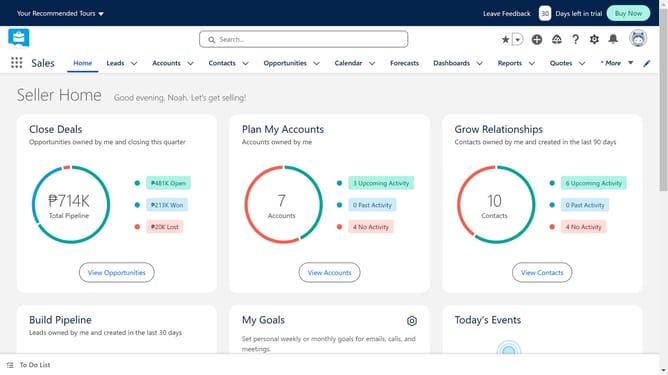
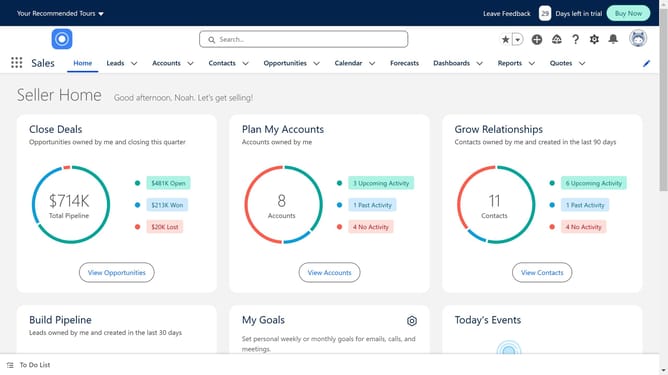
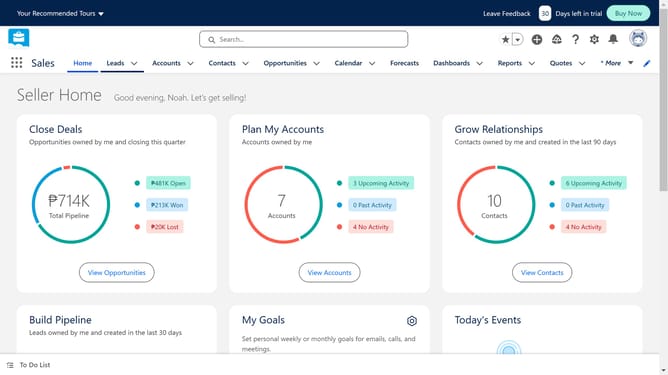
- First click on the "Leads" tab in the top navigation menu
- Select the lead you want to convert
- Next click on the overflow menu button (dropdown arrow) next to the "Clone" button
- Then click on the "Convert" option from the dropdown menu
- Next click on the "Contact" section to expand it in the Convert Lead dialog
- Enter the contact information in the Contact fields
- Finally click on the "Convert" button at the bottom of the dialog to complete the lead conversion
Why should you convert a lead to a contact in Salesforce
Salesforce is a leading customer relationship management platform designed to streamline business processes and enhance client interactions.
Transforming a lead into a contact in Salesforce is a pivotal feature that bridges potential customer interest to meaningful business relationships.
This process streamlines data management, ensuring all relevant information is seamlessly retained and updated without manual entry errors.
Doing so enhances team collaboration, improves customer relationship management, and increases the chances of successful conversions.
Last update