How to schedule a report in Salesforce
Here is how to schedule a report in salesforce
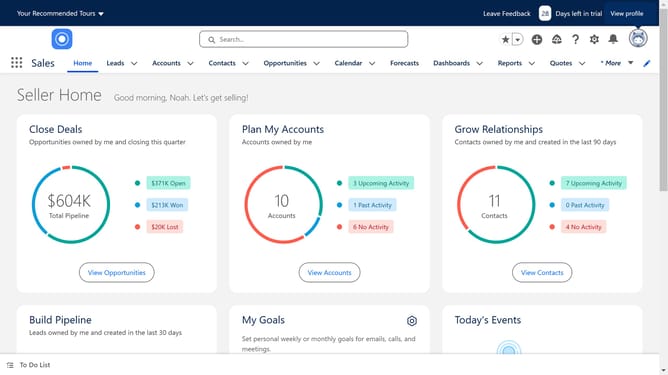
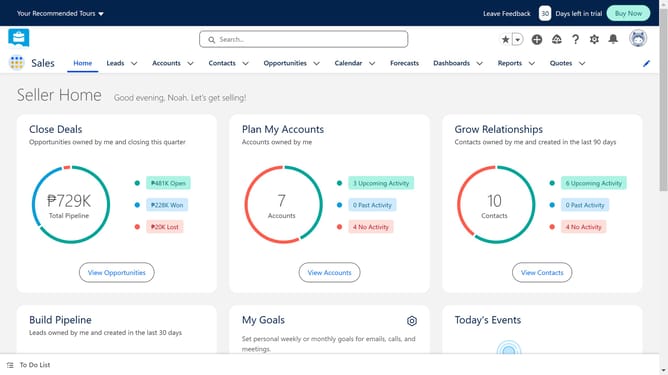
- First click on the "Reports" dropdown in the top navigation menu
- Then click on "All Reports" in the left sidebar menu
- Locate and click on the dropdown menu (arrow icon) of the report you want to schedule
- Select "Subscribe" from the dropdown menu options
- In the Settings section of the Edit Subscription dialog, configure the subscription settings including frequency, days, and time
- Finally, click the "Save" button at the bottom of the Edit Subscription dialog to confirm your subscription settings
Why should you schedule a report in Salesforce
Salesforce is a powerful platform designed to elevate customer relationship management by streamlining business processes.
The scheduling feature in Salesforce lets users automate the delivery of reports at regular intervals, ensuring timely insights without manual intervention.
Leveraging this functionality allows teams to focus on strategy rather than routine tasks, enhancing productivity and decision-making.
By staying informed with scheduled reports, businesses can maintain a competitive edge through real-time data analysis.
Last update