How to add a security token to the password in Salesforce
Here is how to add a security token to the password in salesforce
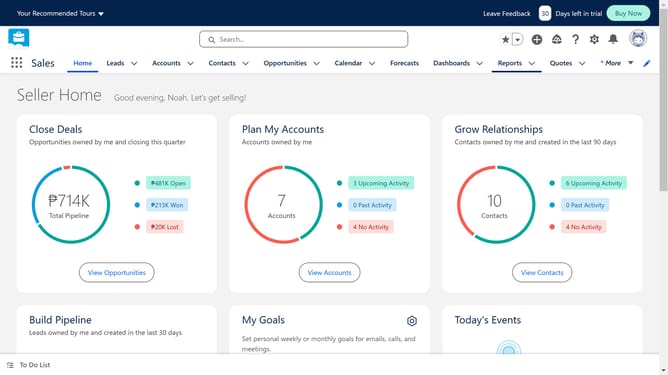
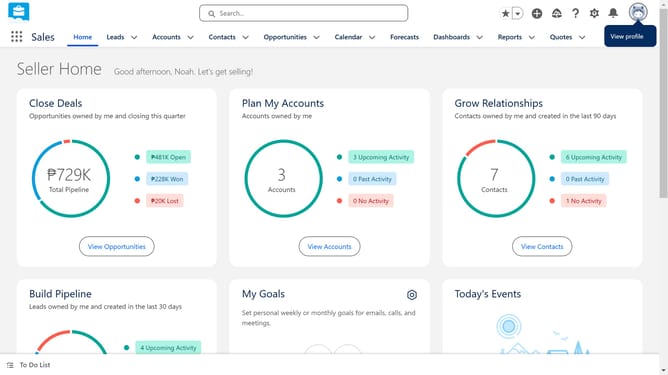
- First click on your profile picture in the top-right corner of the header
- Then click on the "Settings" option in the profile dropdown menu
- In the left sidebar, click on "Reset My Security Token" under My Personal Information section
- Click the "Reset Security Token" button on the main content area
- Then go ahead and check the email linked to your Salesforce account
- Finally, locate your new security token in the email from support@salesforce.com
Why should you add a security token to the password in Salesforce
Salesforce is a powerful CRM platform designed to enhance customer relationships and business processes.
In Salesforce, adding a security token to your password can significantly boost your account's security. This feature is crucial as it adds an extra layer of authentication, ensuring that only authorized users can access sensitive information.
Utilizing a security token is beneficial in protecting your data against unauthorized access, adding peace of mind for businesses and users alike. It enhances security measures, providing an additional safeguard for your organization's essential data.
Last update