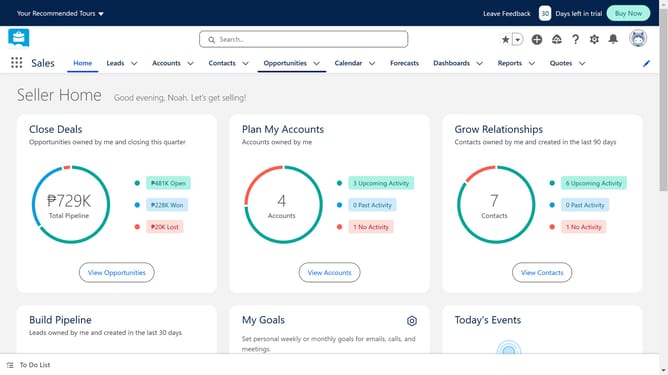
How to integrate HubSpot with Salesforce
Here is how to integrate hubspot with salesforce
- In the top navigation bar, click on the "Marketplaces" icon
- Click the "Apps" button
- Click in the search field and enter the search query
- Type "salesforce" in the search box
- Click on the "Salesforce" app option from the search results
- Hit the "Install app" button to start the installation
- Click on the "Log in" button
- After putting in your credentials, click the "Log In" button to continue
- Click the "Allow" button to grant permissions
- Click on the "Salesforce package installation" link
- Click on the "Use Custom Domain" link
- Click the "Continue" button after entering the domain
- Click on the "Install for All Users" option
- Check the checkbox to grant access to third-party websites
- Click the "Continue" button to proceed with the installation
Why should you integrate HubSpot with Salesforce
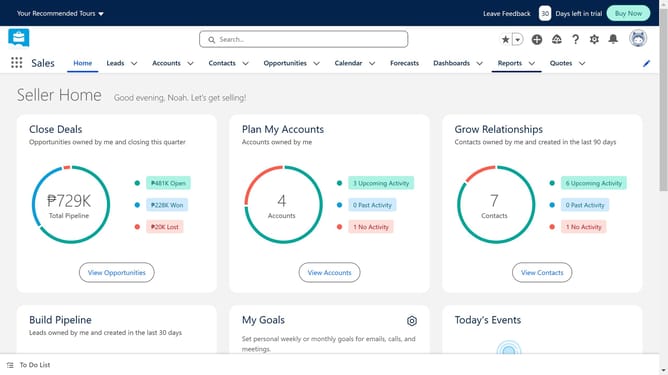
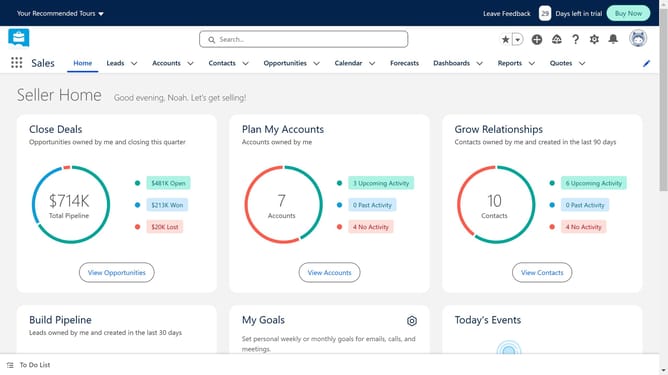
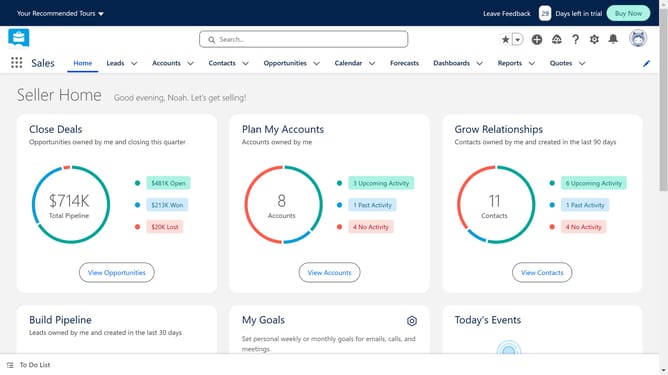
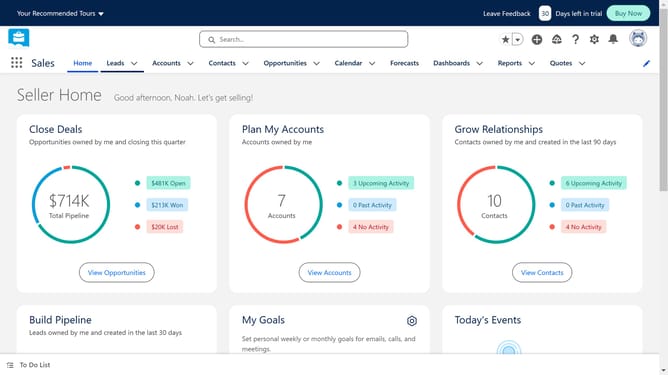
Salesforce is a leading customer relationship management platform designed to enhance business and customer interactions.
Integrating HubSpot with Salesforce brings together marketing efforts and sales data, enhancing both processes. This integration allows for seamless data synchronization, ensuring that each team has real-time access to updated information.
With this integration, businesses can align their sales and marketing strategies more effectively, resulting in improved lead nurturing and a more cohesive customer experience.
Ultimately, connecting HubSpot with Salesforce can lead to more informed decision-making and optimized business operations.
Last update