How to delete an opportunity in Salesforce
Here is how to delete an opportunity in salesforce
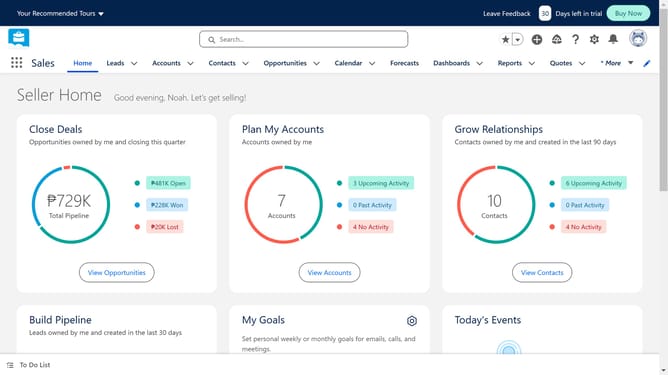
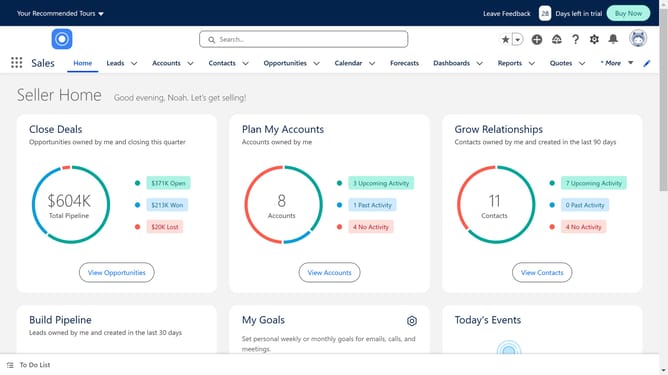
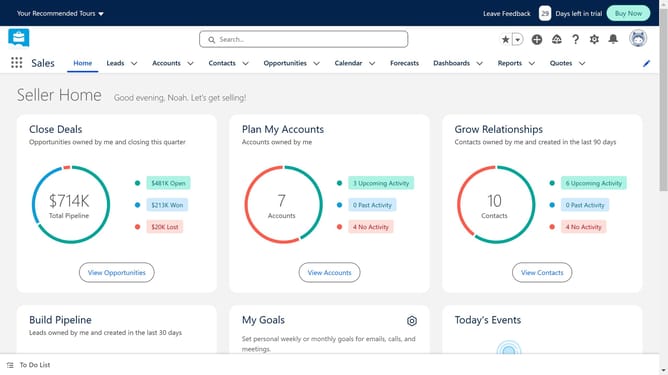
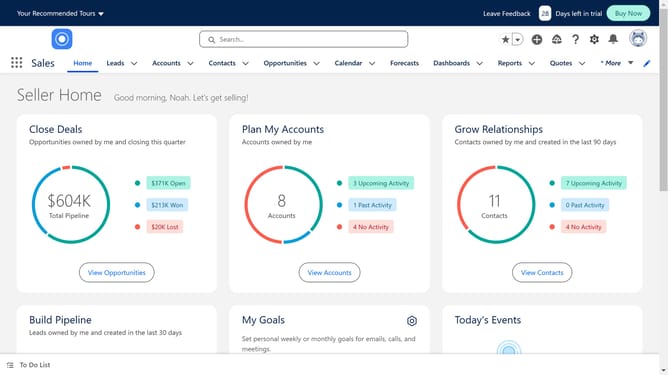
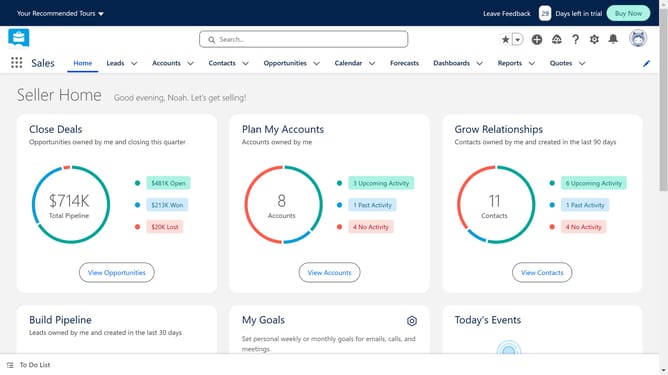
- First click on the "Opportunities" tab in the top navigation menu
- Select the opportunity you want to delete from the table
- Then click on the dropdown menu arrow in the rightmost column of the selected opportunity
- Next click on the "Delete" option from the dropdown menu
- Finally click on the "Delete" button in the confirmation dialog to remove the opportunity
Why should you delete an opportunity in Salesforce
Salesforce is a powerful customer relationship management platform designed to streamline and optimize business processes.
The option to delete an opportunity in Salesforce offers users a clean and organized way to manage sales pipelines.
This feature allows teams to remove outdated or irrelevant opportunities, ensuring that focus remains on viable leads.
Having an uncluttered interface boosts efficiency and aids in making informed, timely decisions, ultimately enhancing productivity and success rates.
Last update