How to set out of office in Salesforce
Here is how to set out of office in salesforce
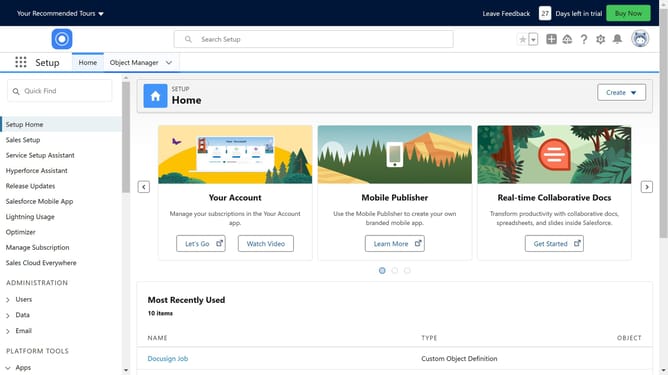
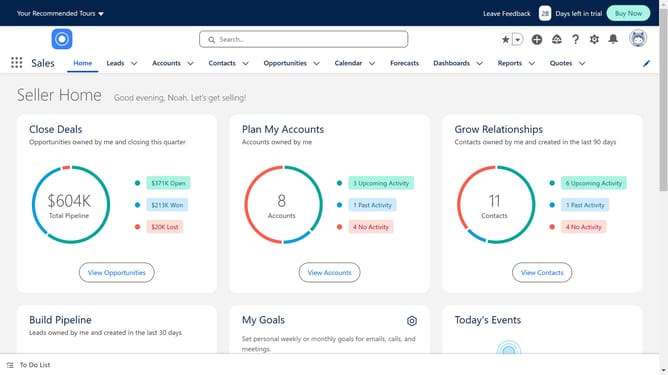
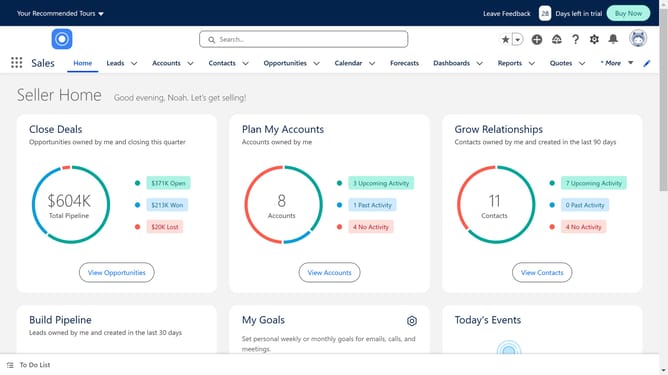
- First click on the gear icon in the top right corner to access settings
- Then click on "Setup" in the settings dropdown menu
- Next click on the "Quick Find" search box in the left sidebar and type "Chatter"
- Then click on "Chatter Settings" under the Feature Settings section
- Click the "Edit" button to modify Chatter settings
- Enable the "Out of Office" option by checking the checkbox
- Click "Save" to apply the Chatter settings changes
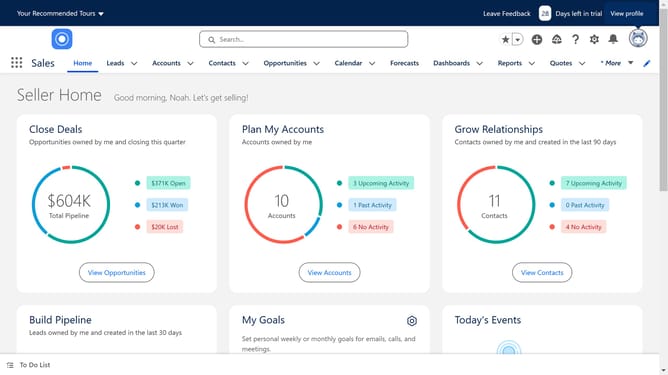
- Click on the profile picture icon in the top right corner
- Click on your to open the profile settings
- Select "Out of Office" in the profile modal window
- Enable the "Set Out-of-Office message" option by checking the checkbox
- Fill in the required Out of Office dates and message fields
- Finally click "Save" to set your Out of Office status
Why should you set out of office in Salesforce
Salesforce is a powerful platform designed to streamline and enhance customer relationship management.
The "Out of Office" feature in Salesforce is an essential tool for maintaining effective communication, even when you're away.
By setting your status, you ensure that clients and colleagues are informed of your absence and know when to expect a response.
This feature not only manages expectations but also helps maintain seamless operations within your team, boosting overall productivity and customer satisfaction.
Last update