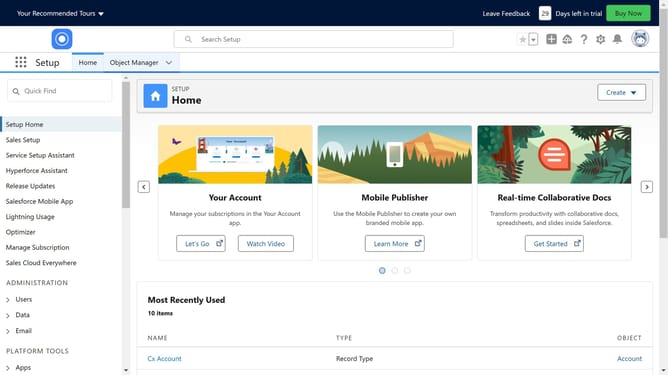
How to connect Salesforce to Adobe Sign
Here is how to connect salesforce to adobe sign
- First click in the search box in the top navigation area
- Type "Adobe sign" in the search box in the header
- Click the suggested "Adobe sign" search term in the dropdown menu
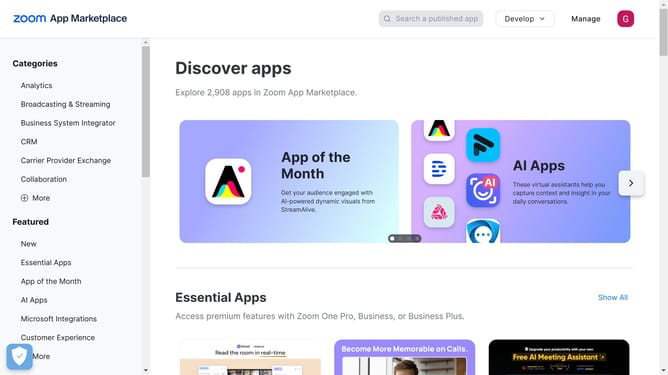
- Click on the "Adobe Acrobat Sign eSignatures" app card in the search results
- Click the "Try It Free" button on the app details page
- Select the "Try in your sandbox" option from the trial type choices
- Click the "Continue to Installation" button at the bottom of the contact form
- Click the "Log In & Install" button on the installation confirmation page
- Click the "Use Custom Domain" link on the login page
- Click in the custom domain text input field
- Click the "Continue" button after entering the custom domain
- Click the "Install" button to complete the Adobe Sign installation for admin users
Why should you connect Salesforce to Adobe Sign
Salesforce is a powerful customer relationship management platform designed to streamline business operations and enhance customer engagement.
Connecting Salesforce to Adobe Sign brings digital ease to document management.
This integration allows users to send, sign, and track documents within Salesforce, ensuring seamless workflow and increased efficiency. Automating signature processes reduces time and errors, providing a seamless experience for both users and clients.
Embrace this synergy for enhanced productivity and faster contract turnarounds.
Last update