How to check the Salesforce version
Here is how to check the salesforce version
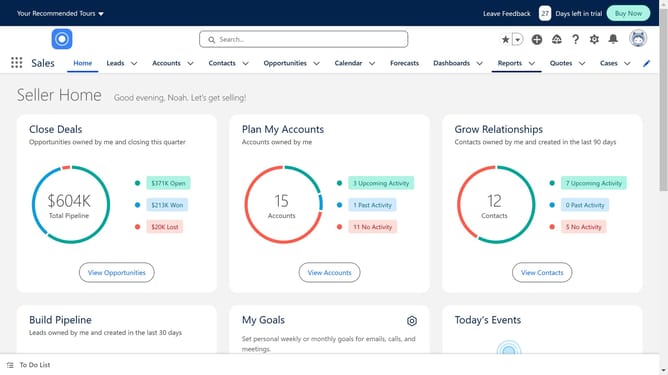
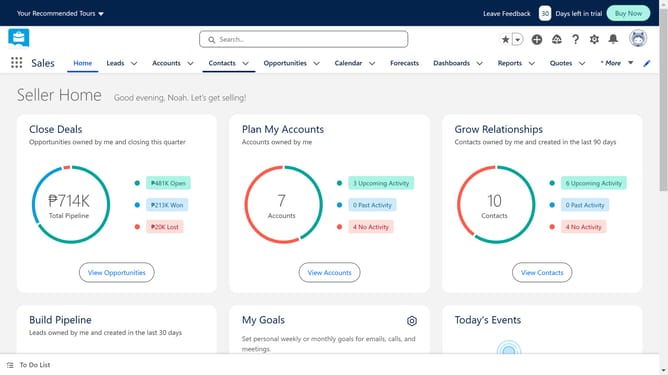
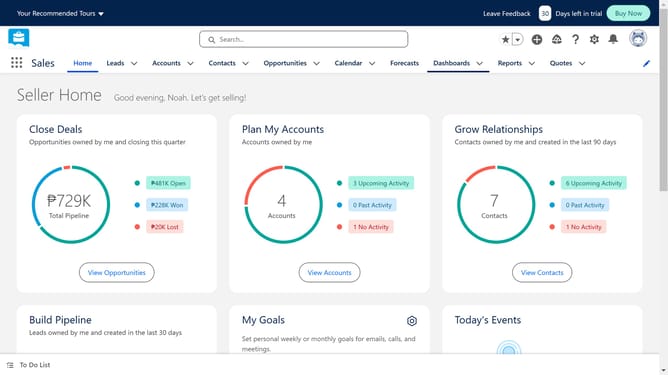
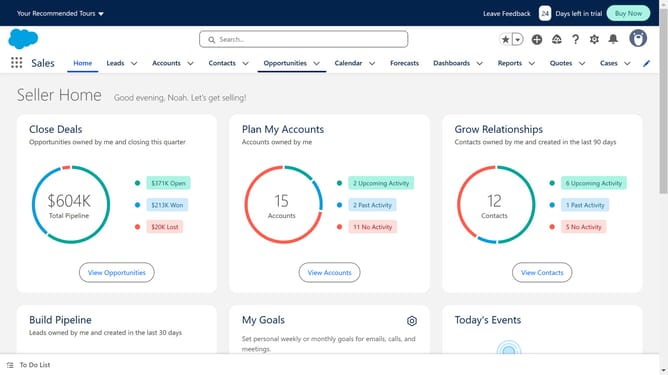
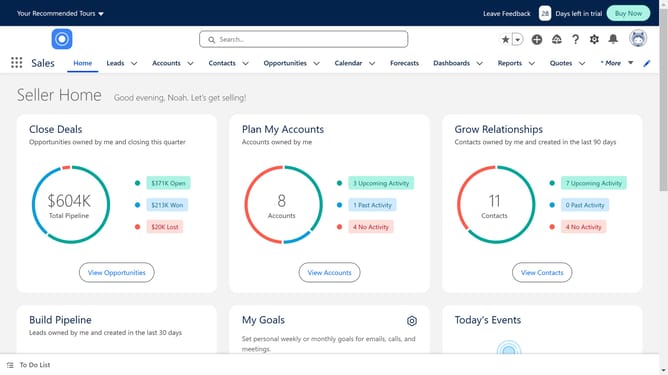
- In the top right corner of the main interface, click on the gear icon to open the Setup Menu
- Click on the "Setup" option in the dropdown menu
- In the left sidebar navigation, click on the "Company Settings" item
- Under Company Settings, click on "Company Information" link
- You can find your Salesforce version listed in front of "Organization Edition"
Why should you check the Salesforce version
Salesforce is a leading cloud-based platform designed to enhance customer relationship management and streamline business operations.
Checking your Salesforce version is a straightforward feature that allows users to gain insights into their current system's capabilities and available updates.
Understanding your Salesforce version ensures you can leverage the latest features and improvements, optimizing efficiency and productivity.
This awareness supports strategic planning and ensures compatibility with new apps and integrations, promoting a smooth business operation.
Last update