How to create a quote in Salesforce
Here is how to create a quote in salesforce
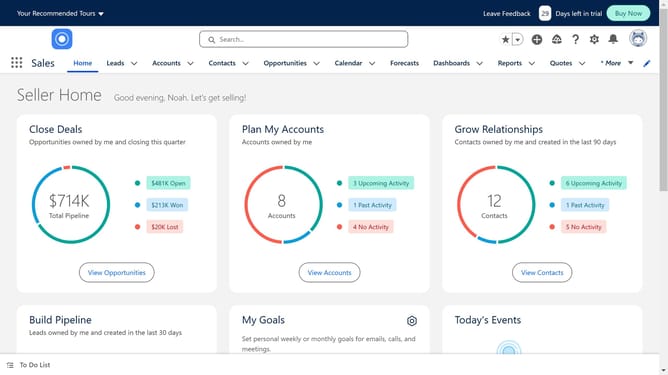
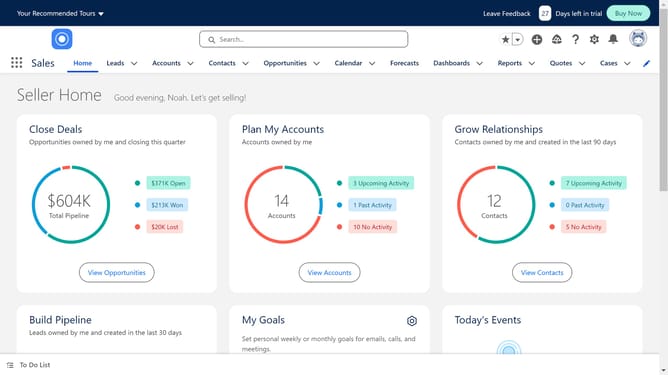
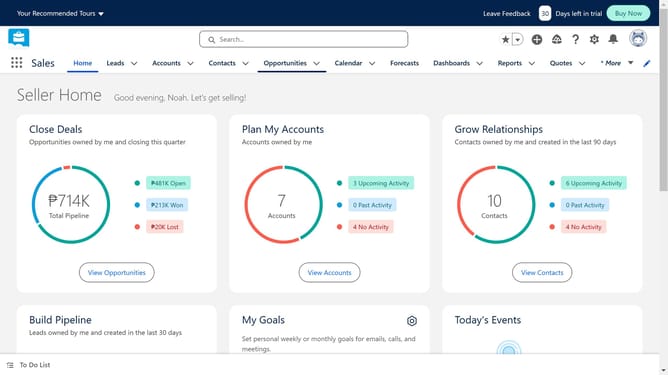
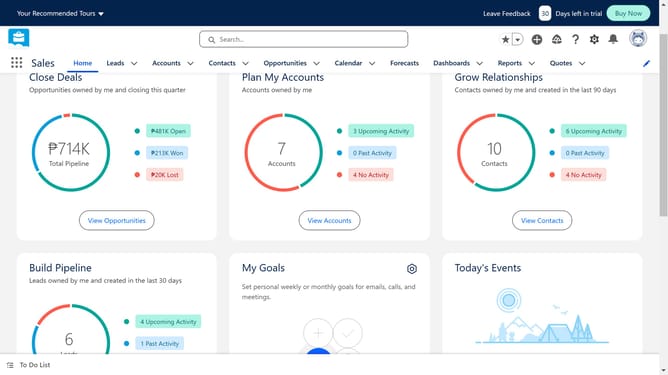
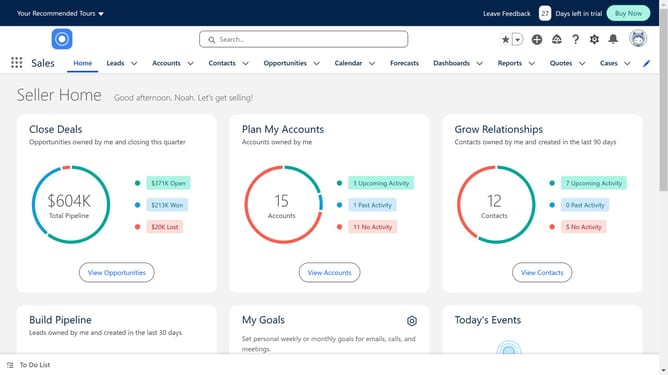
- First click on the "Opportunities" tab in the top navigation menu
- Choose the opportunity where you want to create the quote
- Next click on the "Quotes" link in the right sidebar panel
- Then click on the "New Quote" button in the top right corner
- Fill in the fields in the "Quote Information" section
- Finally click the "Save" button at the bottom of the New Quote form
Why should you create a quote in Salesforce
Salesforce is a powerful customer relationship management platform designed to optimize business interactions and drive revenue growth.
Creating quotes in Salesforce allows businesses to effortlessly produce detailed pricing proposals for potential customers. This feature streamlines the sales process, ensuring accuracy and consistency while reducing time spent on administrative tasks.
By utilizing Salesforce's quoting tool, sales teams can enhance their efficiency, improve client communication, and ultimately, close deals faster with better customer satisfaction.
Last update