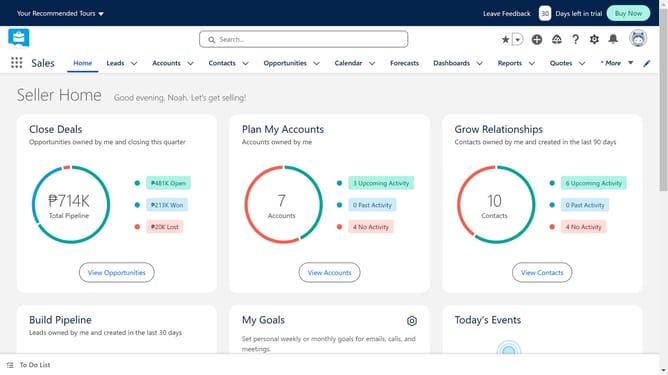
How to create an opportunity in Salesforce
Here is how to create an opportunity in salesforce
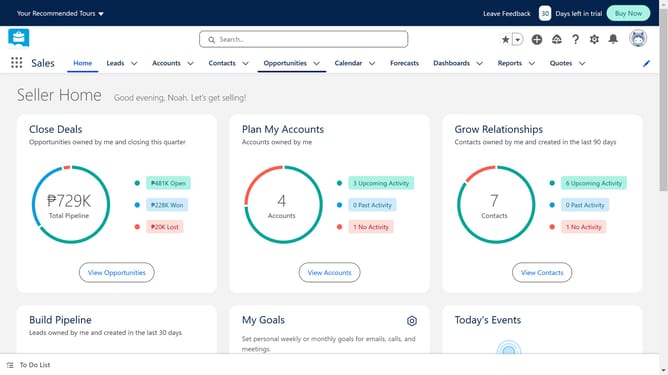
- First click on "Opportunities" in the top navigation menu
- Then click on "New" button in the top right corner
- Click on the "Search Accounts..." field in the Account Name section
- Select the account you will use from the account search dropdown
- Click on the "Opportunity Name" field to provide a clear and concise name that reflects the opportunity
- Click on the "Close Date" field to set the opportunity deadline
- Click on the "Forecast Category" dropdown menu
- Choose an option from the dropdown menu to set the opportunity stage
- This represents the current status of the opportunity within your sales process
- Finally click the "Save" button to create the new opportunity
Why should you create an opportunity in Salesforce
Salesforce is a powerful platform designed to streamline customer relationship management and enhance business productivity.
Creating an opportunity in Salesforce helps organizations efficiently track potential sales and projects. This feature allows businesses to organize essential data, such as customer interactions and deal progress, in one centralized system.
By leveraging this functionality, teams can foster collaboration, improve forecasting accuracy, and drive growth through informed decision-making, leading to sustained success.
Last update