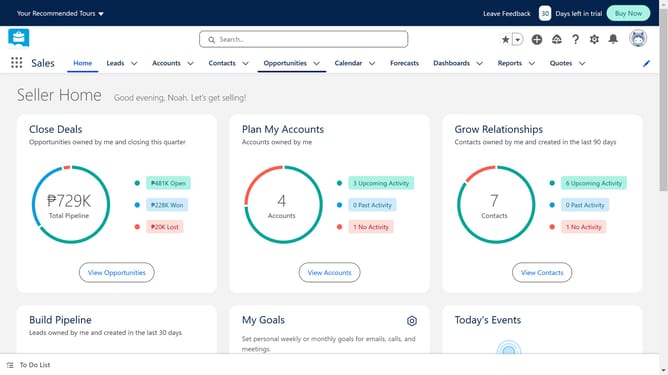
How to add a product in Salesforce
Here is how to add a product in salesforce
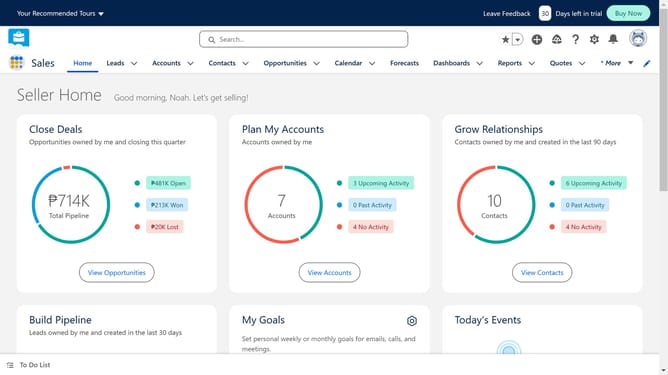
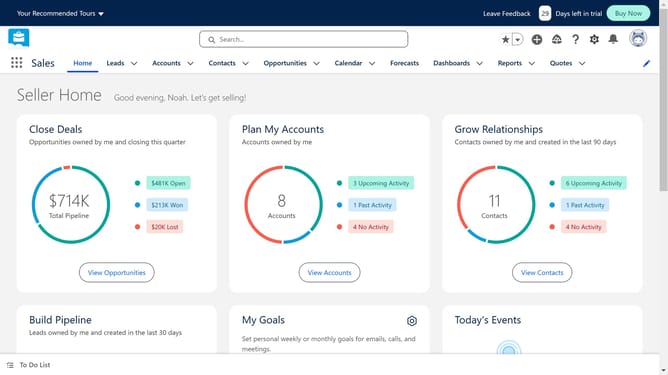
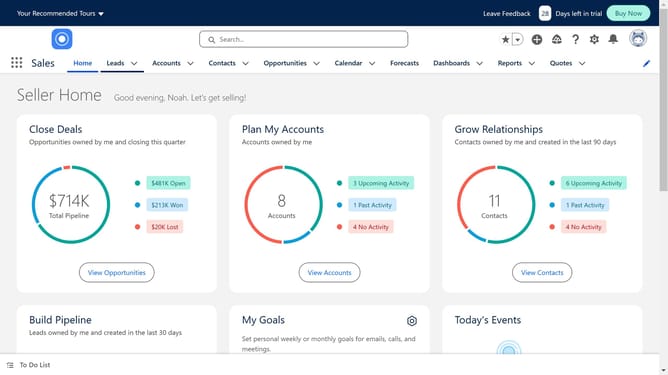
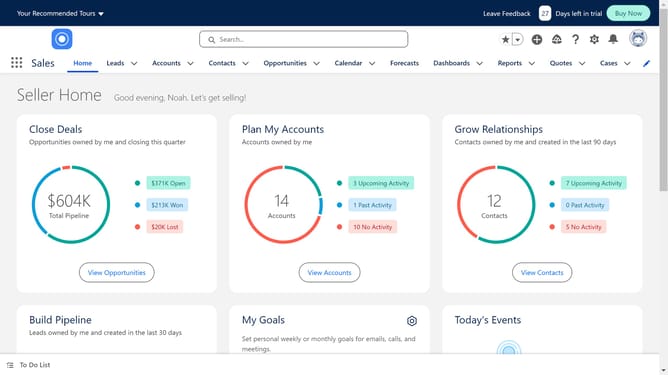
- First click on the app launcher icon in the top-left corner of the navigation bar
- Then click in the search box in the App Launcher menu and type in "Product"
- Next click on the "Products" item in the App Launcher menu
- Then click the "New" button in the top-right corner of the Products page
- Next click in the "Product Name" text field to enter your product name
- Then click the "Active" checkbox in the Product Information section
- Finally click the "Save" button at the bottom of the New Product form
Why should you add a product in Salesforce
Salesforce is a cutting-edge cloud-based platform revolutionizing customer relationship management.
One of its intuitive features is the ability to seamlessly add products into the system, which streamlines sales processes. This capability empowers businesses to efficiently manage their product catalogs, ensuring that all team members have access to the latest product information.
Utilizing this feature enhances collaboration, increases sales efficiency, and improves customer satisfaction, as everyone stays updated with accurate product details.
Last update