How to export Salesforce data
Here is how to export salesforce data
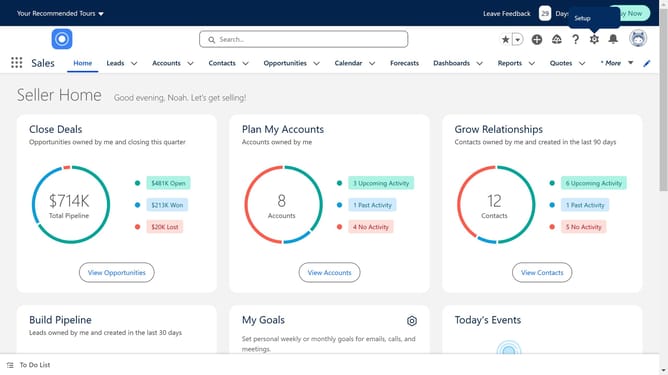
- First click on the gear icon in the top menu to open the Setup Menu
- Then click on the "Setup" option from the dropdown menu
- Next click on the "Data" item in the left sidebar under ADMINISTRATION section
- Then click on "Data Export" option in the expanded Data menu
- Choose the Data categories you want to export
- Finally click on the "Start Export" button to begin the export process
Why should you export Salesforce data
Salesforce is a leading customer relationship management platform designed to streamline business processes.
Exporting Salesforce data is crucial for businesses aiming to analyze trends, create reports, or integrate with other applications.
This feature enhances data accessibility, allowing teams to make informed decisions quickly and efficiently.
By exporting data, organizations ensure they have up-to-date information readily available for strategic planning and operational success.
Last update