How to connect Salesforce to Ironclad
Here is how to connect salesforce to ironclad
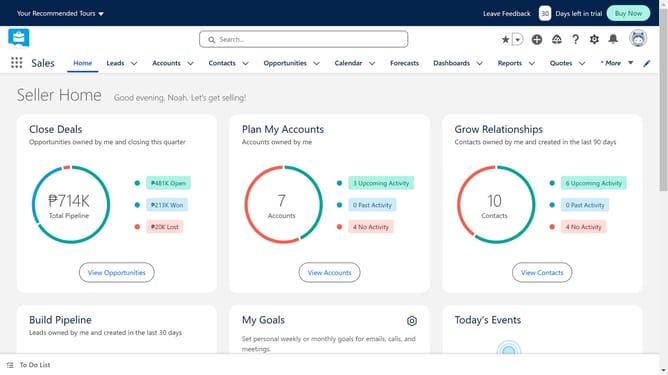
- First click on the search bar in the header section and start typing
- Continue typing "Ironclad" in the search field
- Select the suggested "Ironclad" search term from the dropdown menu
- Click on the Ironclad app card in the search results
- Click on the "Try It Free" button on the app details page
- Click on the "Try in your sandbox" option
- Click on the "Continue to Installation" button at the bottom of the page
- Click on the "Log In & Install" button
- Click on the "Use Custom Domain" link at the bottom of the login page
- Click in the custom domain text input field
- Click the "Continue" button after entering the domain
- Click on the "Install" button in the installation options screen
- Click the checkbox to grant access to third-party websites
- Click the "Continue" button to proceed with third-party access approval
Why should you connect Salesforce to Ironclad
Salesforce is a powerful platform designed to enhance customer relationship management.
By connecting Salesforce to Ironclad, you seamlessly integrate contract management into your business processes. This synergy allows teams to streamline their workflow, promoting efficiency and accuracy. Incorporating Ironclad into Salesforce simplifies contract creation and tracking, reducing administrative burdens.
Using these features together not only saves time but also ensures compliance and boosts productivity, offering companies a significant strategic advantage.
Last update