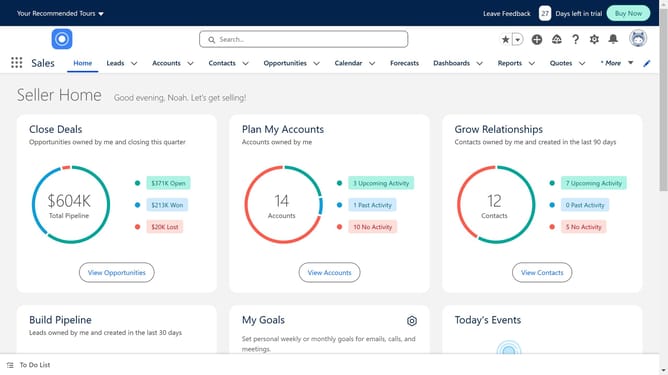
How to add activity in Salesforce Lightning
Here is how to add activity in salesforce lightning
- First click on the "Leads" tab in the top navigation menu
- Select a record
- Next click on the "Activity" tab in the lead details view
- Choose the activity you want to add here and fill in the details
Why should you add activity in Salesforce Lightning
Salesforce is a dynamic platform designed to streamline customer relationship management and enhance business efficiency.
Adding activities in Salesforce Lightning allows users to effortlessly track interactions and updates with contacts and leads. This feature not only aids in organizing business processes but also enhances visibility into client communication.
Utilizing activities in Salesforce Lightning ensures that everyone in your team stays informed and aligned, boosting productivity and fostering seamless collaboration.
Last update