How to create a campaign in Salesforce
Here is how to create a campaign in salesforce
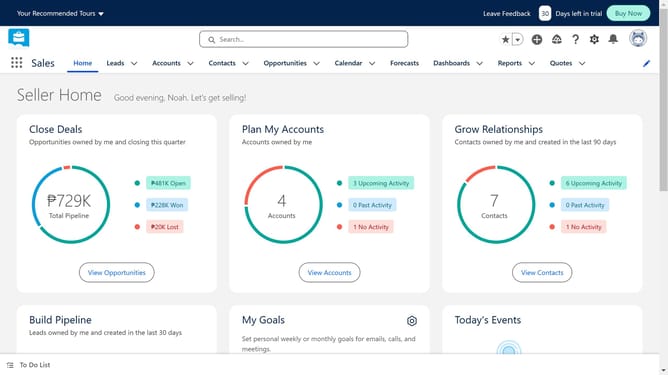
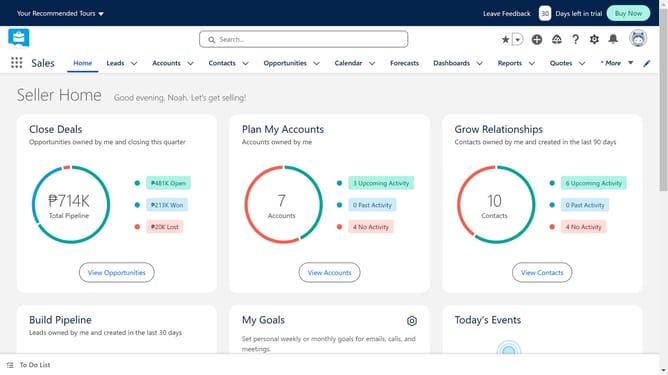
- First click on the menu button in the top-left corner of the screen
- Then click in the search field of the App Launcher and search camp
- Next click on "Campaigns" in the Items section of the App Launcher
- Click the "New" button in the top-right corner of the Campaigns page
- Click in the "Campaign Name" text field and type in your campaign name
- Click on the "Type" dropdown menu and select the type of your campaign
- Click on the "Start Date" calendar picker and choose a start date
- Then click on the "End Date" calendar picker and choose an end date
- Fill in the fields below when needed
- Finally click the "Save" button in the bottom-right corner of the New Campaign form
Why should you create a campaign in Salesforce
Salesforce is a powerful customer relationship management platform designed to streamline business processes and enhance customer engagement.
Creating a campaign in Salesforce allows businesses to effortlessly organize and track their marketing efforts. By centralizing campaign management, teams can easily monitor, analyze, and optimize their strategies.
This feature not only boosts efficiency but also improves decision-making by providing valuable insights into campaign performance and customer interactions, ultimately driving business growth.
Last update