How to connect Salesforce to Talkdesk
Here is how to connect salesforce to talkdesk
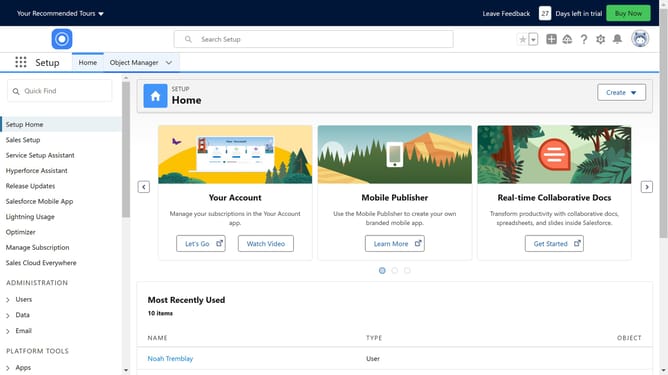
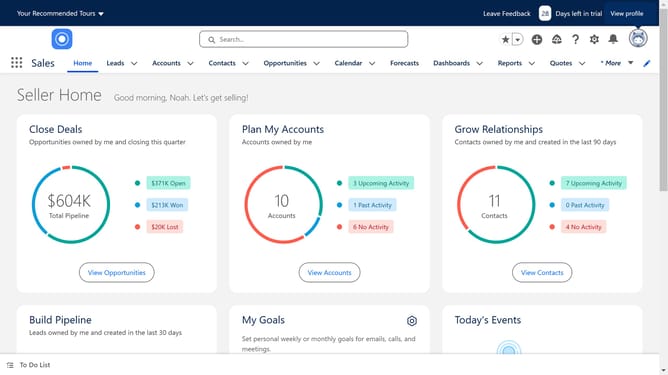
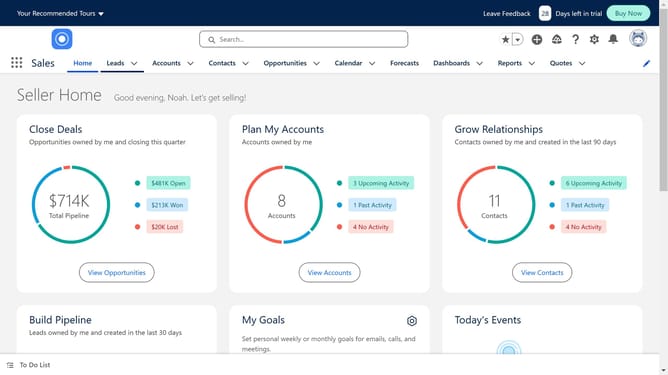
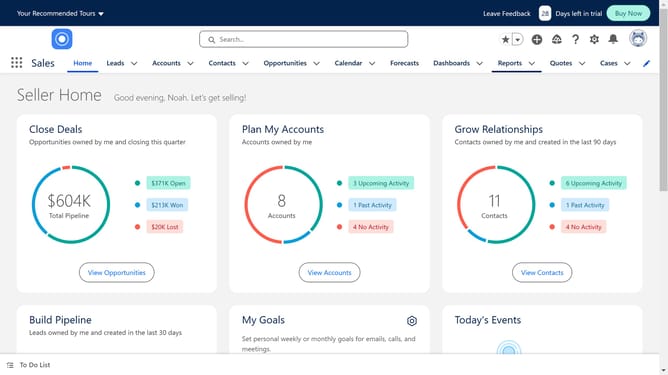
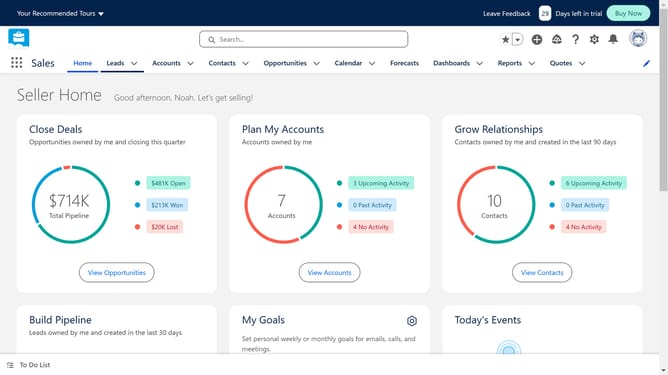
- First click in the search box in the top navigation bar
- Type "Talkdesk" in the search field
- Click on the first "Talkdesk" search suggestion
- Click on the Talkdesk for Salesforce app card in the search results
- Click the "Try It Free" button in the app details page
- In the next window, click "Try in your sandbox"
- Click the "Continue to Installation" button in the form
- We now have to move to login to your Salesforce account by clicking the "Log In & Install"
- Click the "Use Custom Domain" link in the login page
- Click in the custom domain text field
- Click the "Continue" button after entering the domain
- Choose your desired installation option
- Click the "Install" button to proceed with the installation
- Select the checkbox to grant access to third-party websites
- Click the "Continue" button to approve third-party access
Why should you connect Salesforce to Talkdesk
Salesforce is a dynamic platform designed to elevate customer relationship management.
Connecting Salesforce to Talkdesk combines powerful data insights with efficient communication tools.
This integration streamlines your workflow by syncing customer interactions, leading to faster response times and improved client satisfaction.
By linking these platforms, teams can access a comprehensive view of client interactions, enhancing decision-making and boosting productivity.
Last update