How to create a Sandbox in Salesforce
Here is how to create a sandbox in salesforce
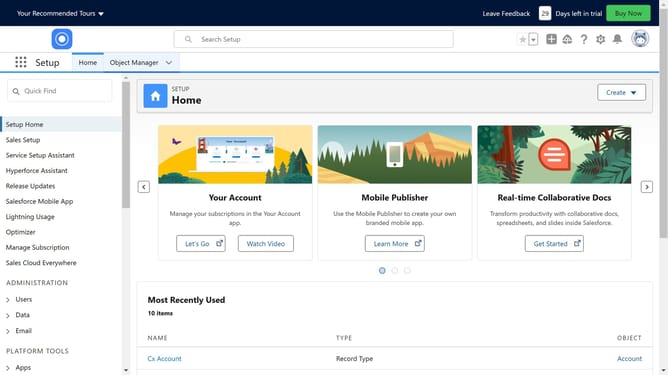
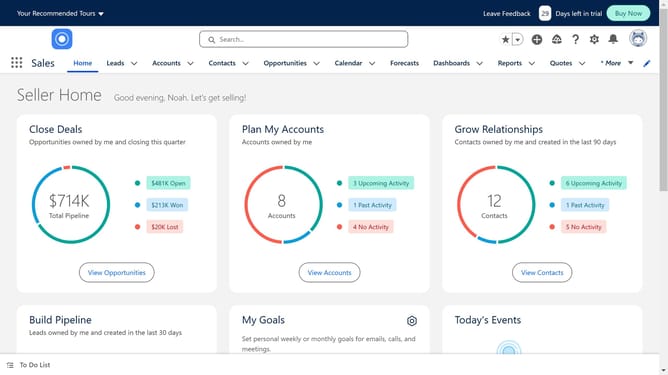
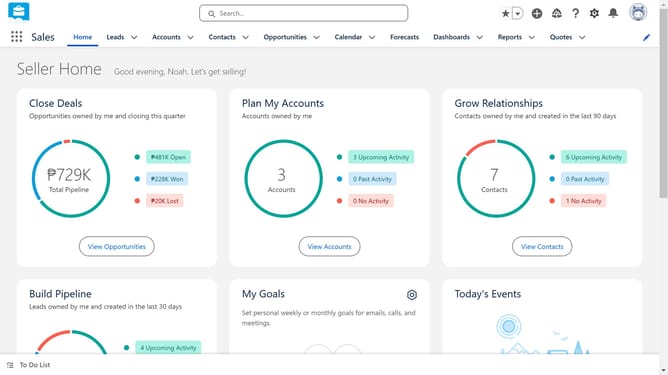
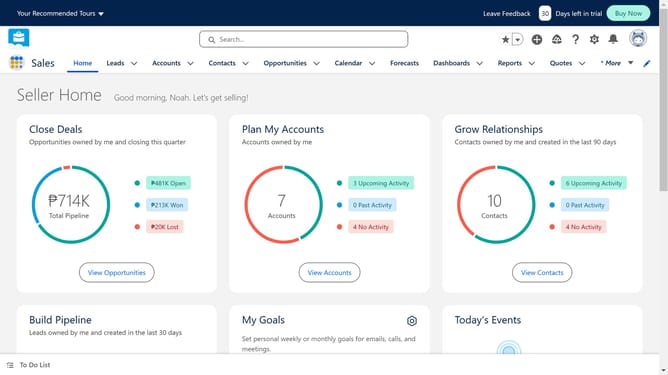
- First click on the gear "Setup" icon in the top menu bar
- Then click on "Setup" option in the dropdown menu
- Next click on "Environments" link in the left sidebar
- Then click on "Sandboxes" item under Environments in the left sidebar
- Click on "New Sandbox" button in the main content area
- Click in the "Name" field to enter sandbox information
- Then click on "Next" button in the Developer license section
- Click on the dropdown to select access level
- Finally click on "Create" button to create the new sandbox
Why should you create a Sandbox in Salesforce
Salesforce is a dynamic platform designed to streamline business processes and enhance customer relationships.
Creating a Sandbox in Salesforce offers a powerful way to test and develop without impacting your live environment. This feature enables users to experiment with configurations and apps safely, ensuring projects run smoothly before applying them to the main system.
By using a Sandbox, teams can innovate and refine strategies with confidence, ultimately improving efficiency and reducing the risk of errors in the production environment.
Last update