How to add a dashboard to the homepage in Salesforce
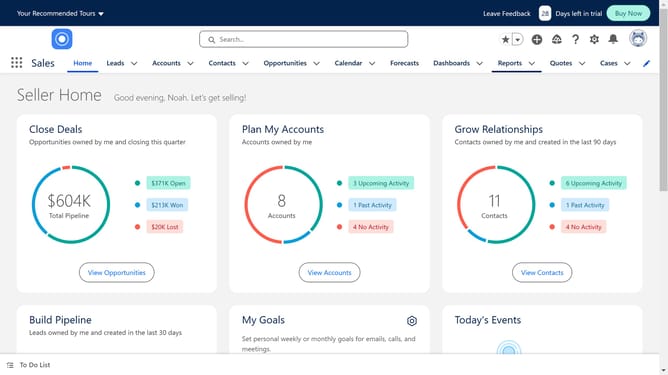
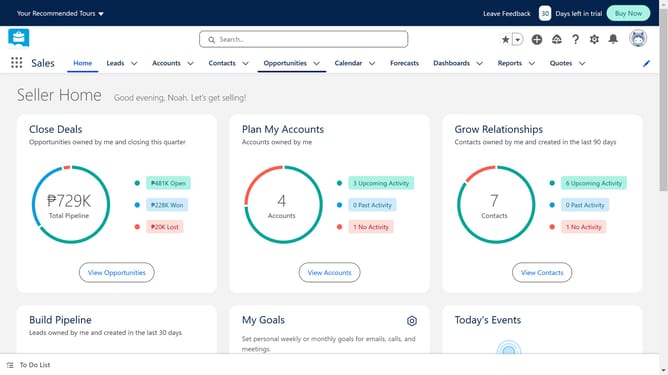
Here is how to add a dashboard to the homepage in salesforce
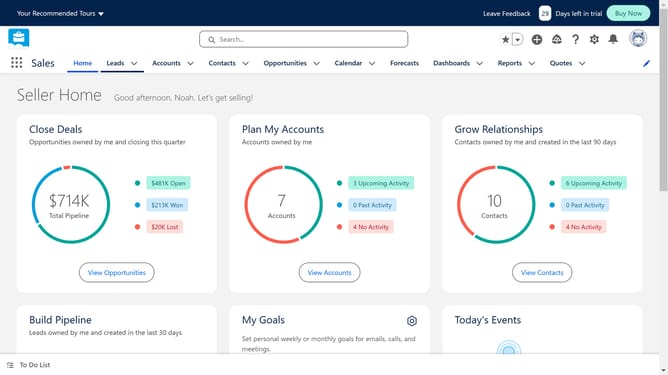
- First click on the gear icon in the top navigation bar to access settings
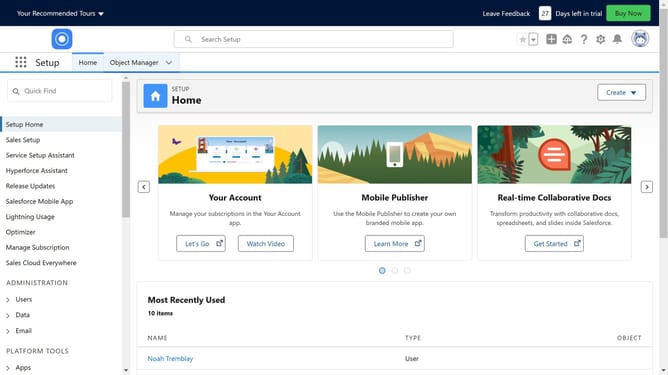
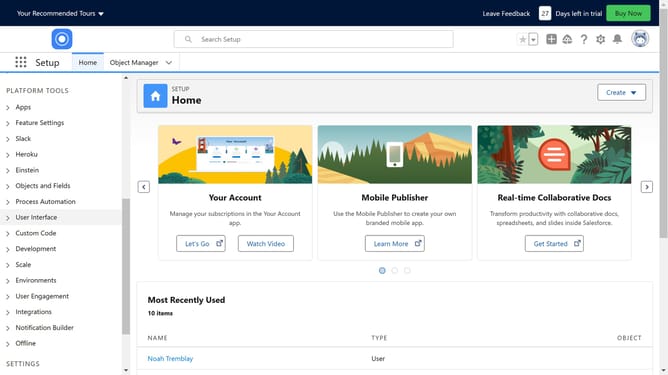
- Then click on "Setup" in the dropdown menu
- Next click on "User Interface" in the left sidebar menu
- Select "Lightning App Builder" from the expanded menu items
- Click the "New" button in the Lightning Pages section
- Select "Home Page" from the available page types
- Click "Next" to proceed with page creation
- Enter the desired name in the Label field
- Click "Next" to continue
- Select a template for your home page
- Click "Done" to confirm the template selection
- Drag and drop components like lists, charts, and reports to build your layout
- Click the "Save" button in the top right corner
- Finally, click "Activate" in the confirmation dialog to make the page available to users
Why should you add a dashboard to the homepage in Salesforce
Salesforce is a powerful customer relationship management platform that streamlines sales and service processes.
Adding a dashboard to the homepage in Salesforce provides immediate access to critical data insights, allowing users to make informed decisions more efficiently.
This feature enhances productivity by presenting visualized data at a glance, supporting quick analysis and strategic planning.
Incorporating dashboards directly on the homepage ensures that key performance indicators are always within view, fostering a data-driven culture.
Last update