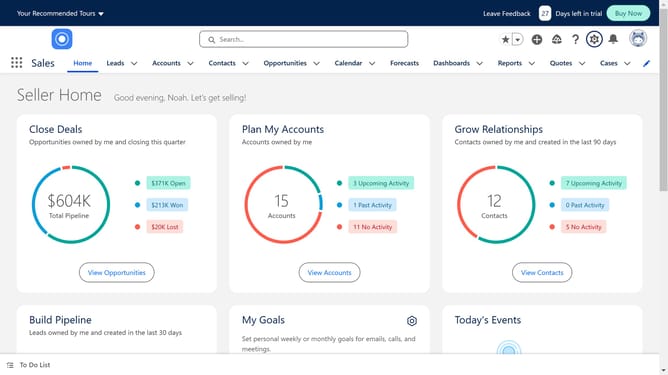
How to export contacts from Salesforce
Here is how to export contacts from salesforce
- First click on your profile icon in the top-right corner of the header
- Then click on "Switch to Salesforce Classic" option in the profile dropdown menu
- Click on "Accounts" tab in the top navigation menu
- Click on the "Go!" button next to the "All Accounts" dropdown
- Click on the "Printer Friendly View" button in the top-right corner of the accounts list
- Hit Cmd+A or Ctrl+A on your keyboard to select everything on the screen
- And copy it with Cmd+C or Ctrl+C
- Open a new Google sheet and paste the contacts
Why should you export contacts from Salesforce
Salesforce is a powerful cloud-based platform designed for effective customer relationship management.
The ability to export contacts from Salesforce is a crucial feature that helps streamline data management. By exporting contacts, businesses can easily transfer valuable customer information to other applications, enhancing data accessibility and analysis.
Utilizing this feature promotes better organization, supporting strategic decision-making and increased operational efficiency.
Overall, exporting contacts from Salesforce empowers teams to maintain seamless communication and foster stronger customer relationships.
Last update