How to create a case in Salesforce
Here is how to create a case in salesforce
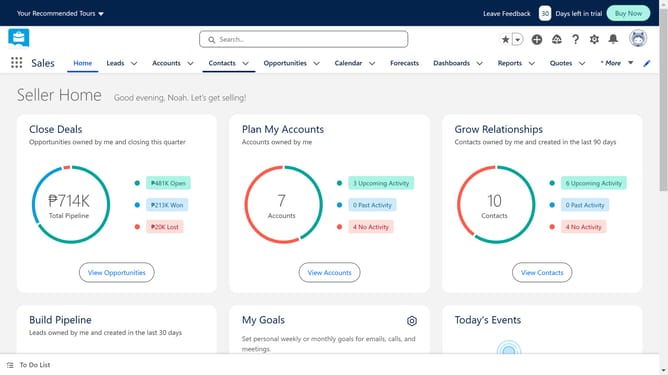
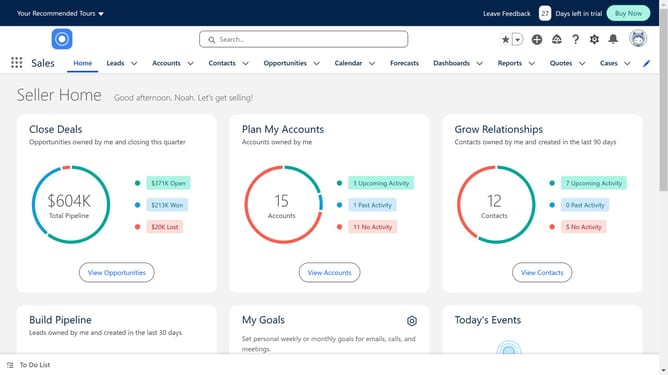
- First click on the "App Launcher" icon in the top left corner of the navigation bar
- In the App Launcher, click on the search box and start typing
- Type "cases" in the App Launcher search box
- Select "Cases" from the search results in the App Launcher menu
- Click the "New" button in the top right corner of the Cases page
- Fill out the required Case Information section in the New Case form
- Complete the Additional Information section by selecting appropriate values from the dropdown menus
- Finally click the "Save" button at the bottom of the New Case form
Why should you create a case in Salesforce
Salesforce is a robust platform designed to streamline business processes and enhance customer relationships.
Creating a case in Salesforce helps businesses track, manage, and resolve customer inquiries with efficiency and precision. This feature allows users to record client interactions, ensuring no important details slip through the cracks.
By utilizing the case management feature, businesses can improve customer satisfaction, streamline communication, and foster stronger consumer bonds. It's an essential tool for maintaining organized, responsive, and efficient customer service management.
Last update