How to add a company logo to Salesforce Lightning
Here is how to add a company logo to salesforce lightning
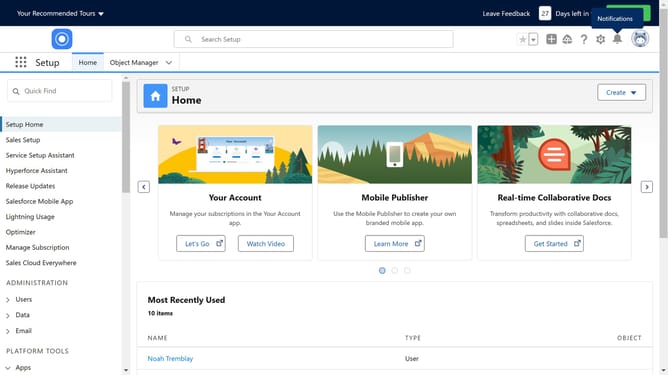
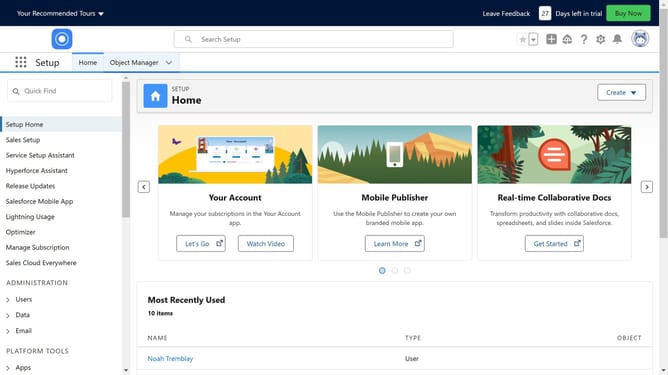
- Click on the gear icon in the top-right corner of the header to open settings
- Click on the "Setup" option in the setup menu
- Click on "User Interface" link in the left sidebar menu
- Click on "Themes and Branding" link in the left sidebar menu
- Click on "New Theme" button in the top-right corner of the content area
- Click on the "Theme Name" input field to enter the theme name
- Click on the Brand Image area to upload a new image
- After uploading your desired logo click on "Save" button in the photo upload dialog
- Click on "Use brand image on Lightning Experience loading page" checkbox
- Click on "Save" button at the bottom of the theme form
- Click on "Activate" button in the top-right corner to enable the new theme
Why should you add a company logo to Salesforce Lightning
Salesforce is a dynamic platform that enhances business processes through streamlining customer relationship management.
Integrating your company logo into Salesforce Lightning offers a cohesive branding experience across your enterprise's digital landscape.
Having a recognizable logo helps to establish credibility and ensures immediate brand recognition, elevating both employee engagement and client trust.
This simple visual customization not only boosts team spirit but also reinforces a consistent brand identity in every customer interaction.
Last update