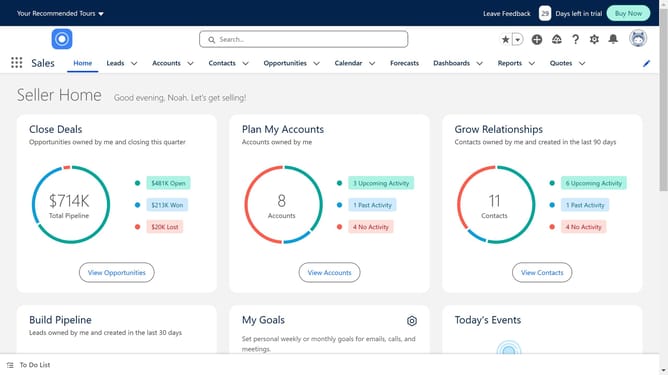
How to access Trailhead in Salesforce
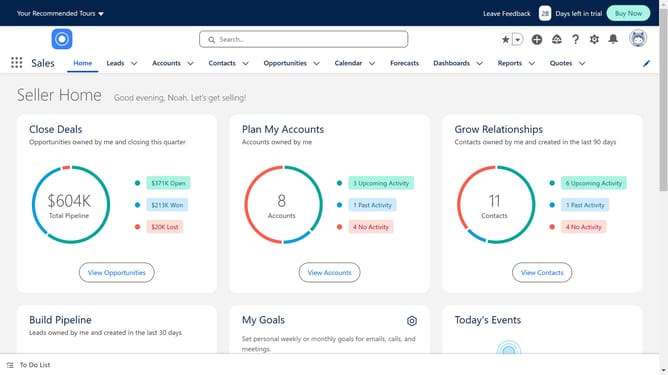
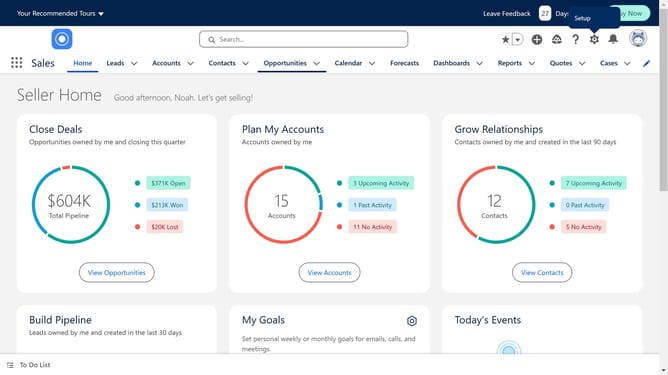
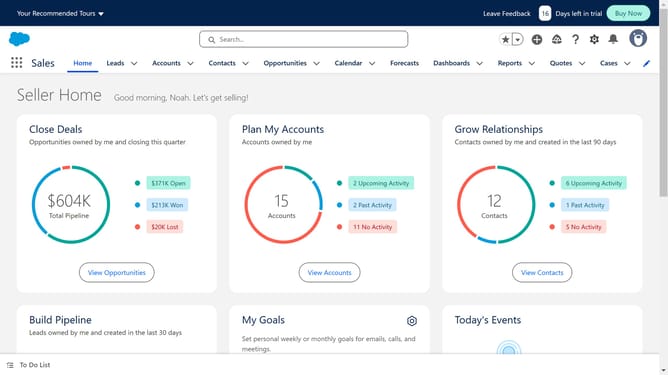
Here is how to access trailhead in salesforce
- First click in the Google search box in the center of the page and type in "trailhead salesforce"
- Click on the "Trailhead" link in the search results
- Click on the "Trailhead | The fun way to learn - Salesforce" link in the search results
- Click on the "Sign Up" button
- Click on the "Salesforce" login option in the account setup dialog
- Enter your Salesforce credentials
- Click the "Log In" button after entering credentials
Why should you access Trailhead in Salesforce
Salesforce is a dynamic platform designed to enhance customer relationship management with powerful tools.
Trailhead, Salesforce's learning hub, is easily accessible directly within the platform. This feature empowers users to boost their skills and knowledge, attuning them to the Salesforce ecosystem's myriad functionalities.
By leveraging Trailhead, users gain the opportunity to advance their careers, ensure effective Salesforce usage, and drive impactful customer experiences.
As an added benefit, engaging with Trailhead fosters innovation and collaboration within teams.
Last update