How to add navigation items in Salesforce
Here is how to add navigation items in salesforce
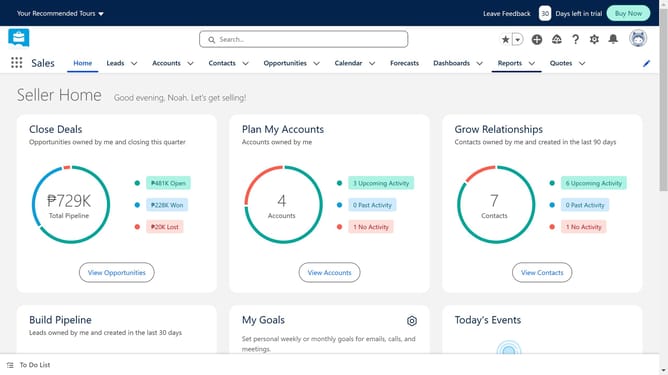
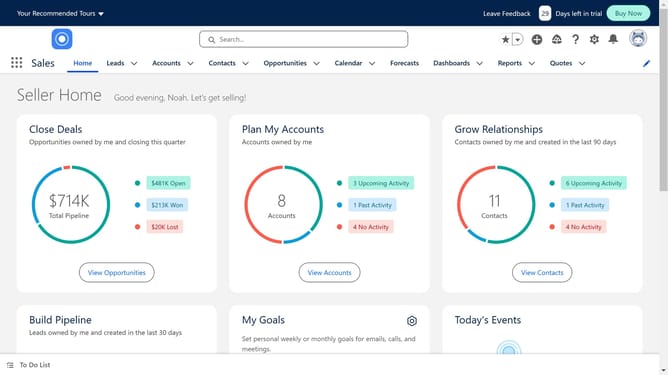
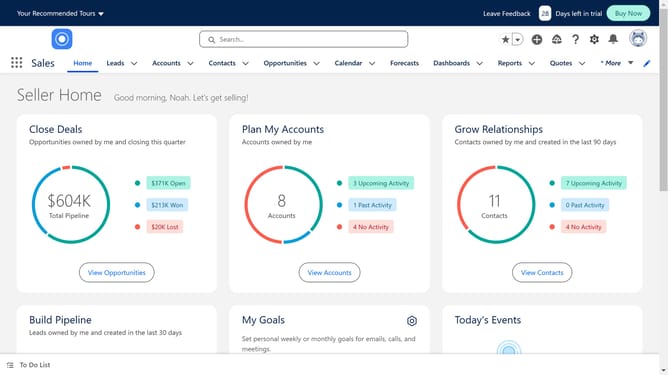
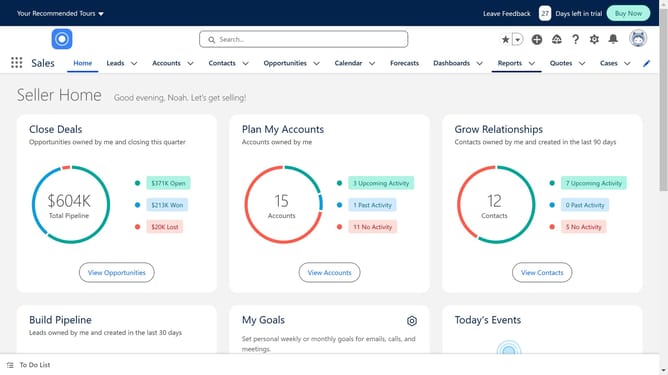
- First click on the pencil icon in the top navigation bar to edit the navigation items
- Then click on the "Add More Items" button in the navigation editor modal
- In the Add Items modal, click on the "All" tab in the left sidebar
- Select the item you want to add in the Navbar
- Then click on the "Add Nav Item" button to add the selected item
- Finally click the "Save" button in the navigation editor modal to save your changes
Why should you add navigation items in Salesforce
Salesforce, a leading cloud-based platform, empowers businesses by streamlining their customer relationship management processes.
One of its powerful features is the ability to customize navigation items, ensuring quick access to vital tools and information.
Customizing these navigation paths not only enhances workflow efficiency but also optimizes user experience, helping teams focus on what's important without unnecessary interruptions.
This flexibility transforms daily task handling, leading to improved productivity and operational success.
Last update