How to access the Developer Console in Salesforce
Here is how to access the developer console in salesforce
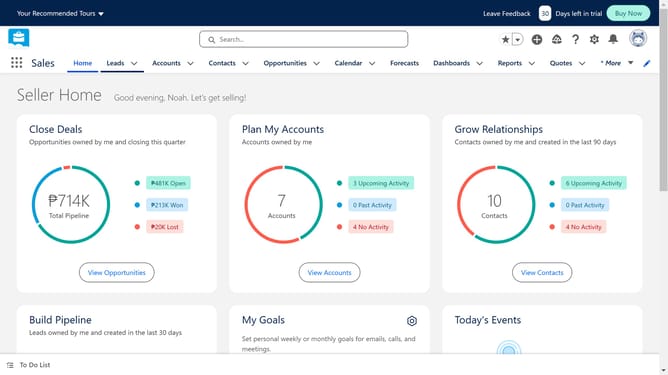
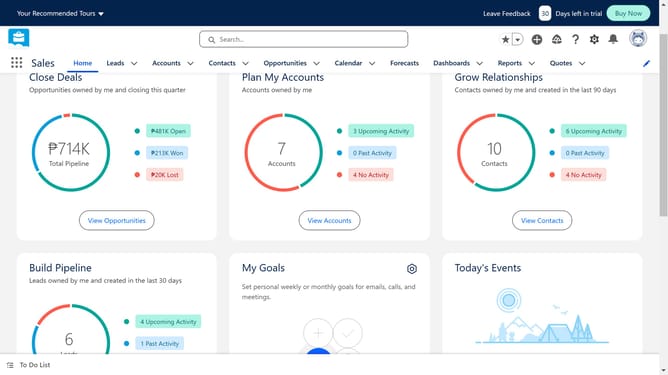
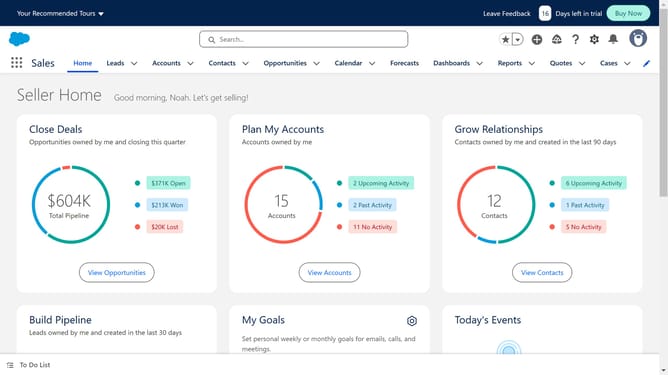
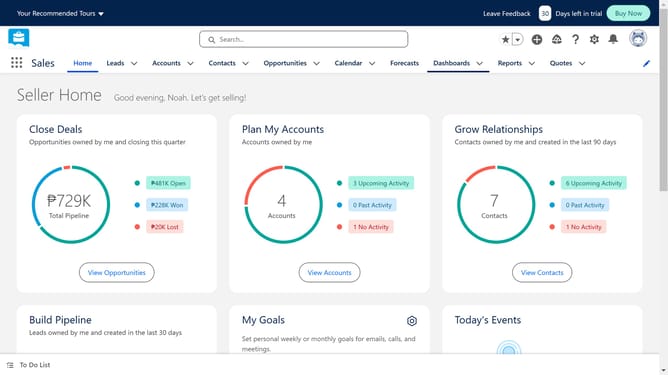
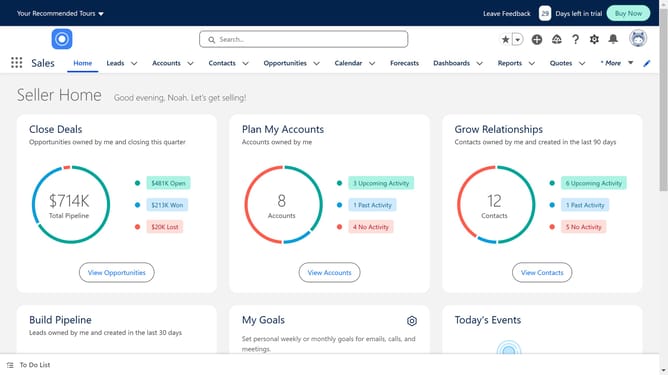
- First click on the "Settings" icon in the top menu bar
- Then click on "Developer Console" option in the Settings dropdown menu
- You will see a pop-up window open like a coding interface, this is the Developer console
- To start creating new code, click "File"
- Click on "New" and locate the list of available item types to create
- Choose as per your requirements and start building
Why should you access the Developer Console in Salesforce
Salesforce is a world-leading platform designed to streamline and enhance customer relationship management for businesses.
The Developer Console in Salesforce is a powerful tool offering developers a seamless environment to write, debug, and analyze code.
Accessing it allows developers to efficiently test applications and review logs, ensuring optimal performance and quick troubleshooting.
This feature enhances productivity, providing an integrated space that supports developers in maintaining and evolving Salesforce solutions effectively.
Last update