How to refresh a Salesforce Sandbox
Here is how to refresh a salesforce sandbox
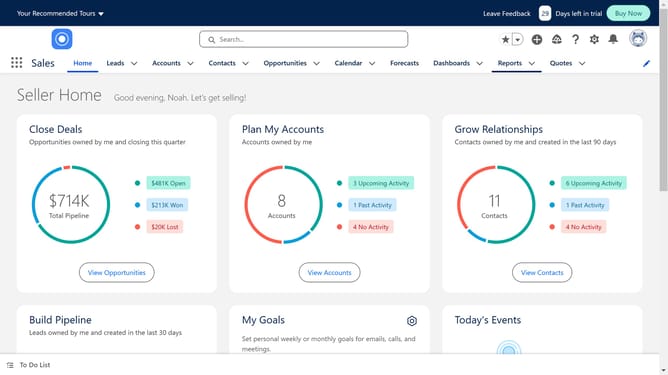
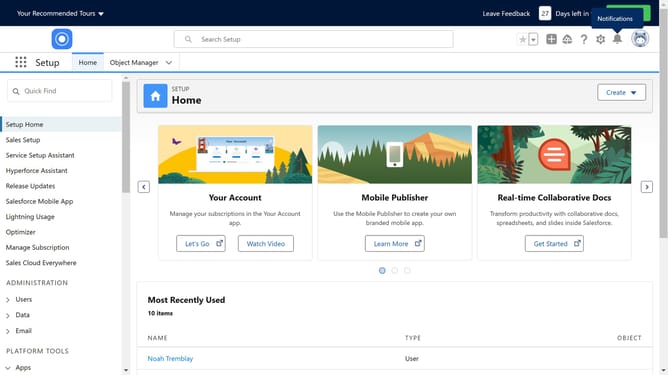
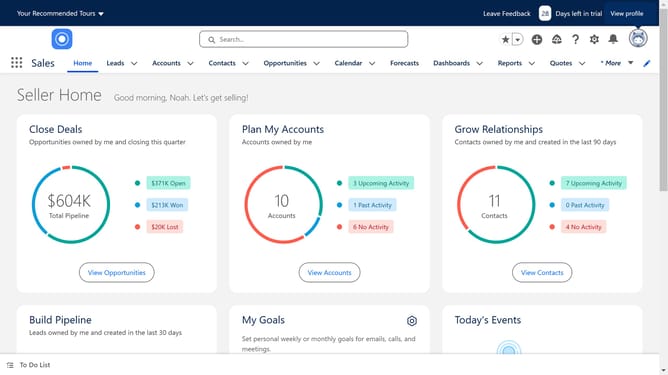
- First click on the settings gear icon in the top-right corner of the header
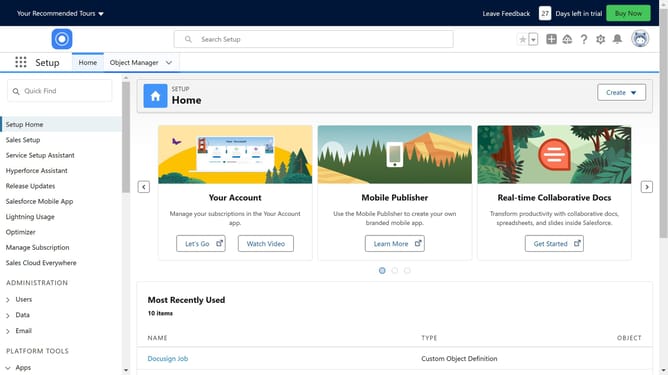
- Then click on the "Setup" option in the dropdown menu
- Next click on "Environments" in the left sidebar menu
- Then click on "Sandboxes" under the Environments section in the left sidebar
- Locate the sandbox you want to refresh and check if there's a "Refresh" link next to it. If none then open the sandbox
- Here you will see the information if the sandbox has any refresh option available
Why should you refresh a Salesforce Sandbox
Salesforce is a robust platform designed to enhance customer relationships through efficient data management.
Refreshing a Salesforce Sandbox ensures your testing environment mirrors the latest production data. This feature helps you maintain a relevant and up-to-date testing ground for new developments and updates.
By routinely updating your Sandbox, you ensure that your team works with the most current data, reducing the risk of potential issues when changes are pushed to production.
Ultimately, this feature enhances your ability to conduct thorough testing, leading to smoother and more reliable deployments.
Last update