How to add campaign member status in Salesforce
Here is how to add campaign member status in salesforce
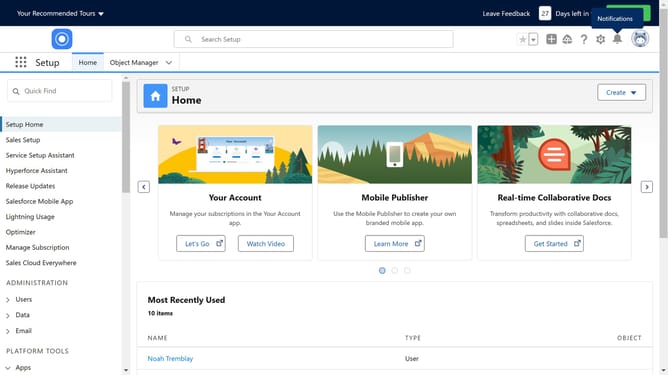
- First click on "Object Manager" in the top navigation menu
- Then click on "Campaign Influence" link in the object list
- Click on "Page Layouts" in the left sidebar menu
- Next click on "Campaign Layout" link in the page layouts list
- Click on "Related Lists" in the left palette menu
- Find the "Campaign Member Statuses" option in the list
- Drag and drop the "Campaign Member Statuses" related list onto the desired location on your campaign layout
- Click the "Save" button in the top toolbar
- Finally click "Yes" button in the overwrite confirmation dialog
Why should you add campaign member status in Salesforce
Salesforce is a powerful customer relationship management platform designed to streamline business operations and enhance customer interactions.
Adding campaign member status in Salesforce allows marketers to effectively track and manage the engagement of their prospects and customers within specific marketing campaigns.
This feature helps in categorizing members based on their interaction status, which provides valuable insights to tailor marketing strategies, thereby improving conversion rates.
Using campaign member status optimizes resource allocation and enhances campaign performance by identifying potential leads and understanding member behavior.
Last update