How to access OWD in Salesforce
Here is how to access owd in salesforce
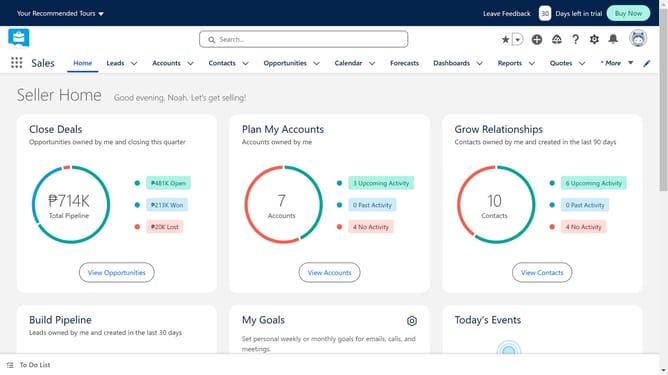
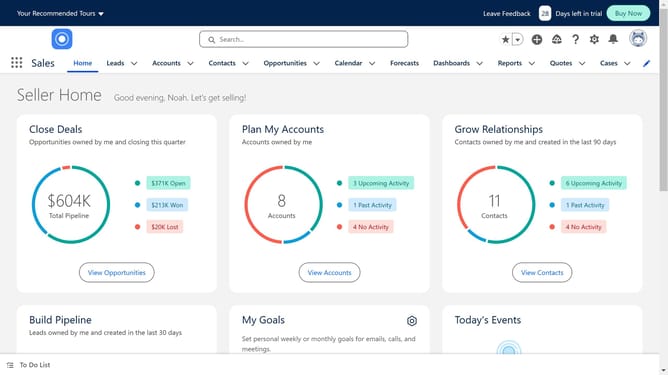
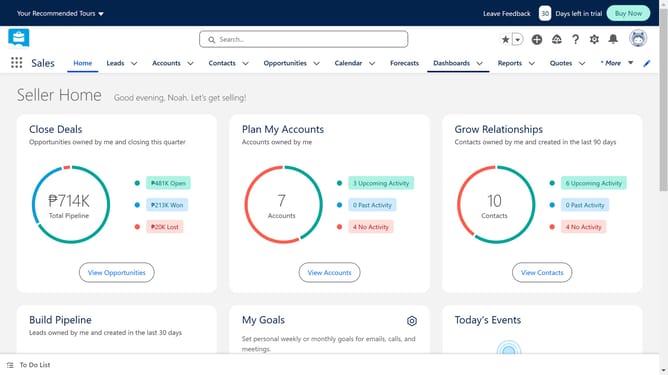
- First click on the gear icon in the top navigation bar to open the Setup Menu
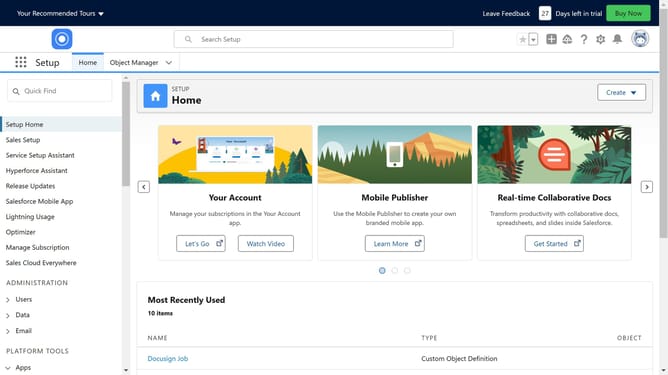
- Then click on "Setup" option in the Setup Menu dropdown
- Next click on "Security" item in the left sidebar menu
- Then click on "Sharing Settings" option in the Security submenu
- You will find the organization-wide defaults (OWD) page. Click on "Edit" to make changes as per your requirements
- Set the "defaults" definitions for Internal and External Access
- Finally click "Save" when you are done editing
Why should you access OWD in Salesforce
Salesforce is a dynamic customer relationship management platform designed to streamline business processes and foster customer engagement.
To access Organization-Wide Defaults (OWD) in Salesforce means diving into the core of data sharing settings. These settings allow you to manage how data is shared across your organization, ensuring that the right people have access to the right information.
Using OWD enhances security and efficiency, providing a robust framework that supports collaboration while safeguarding sensitive data. It's an essential tool for tailoring your data visibility strategy.
Last update