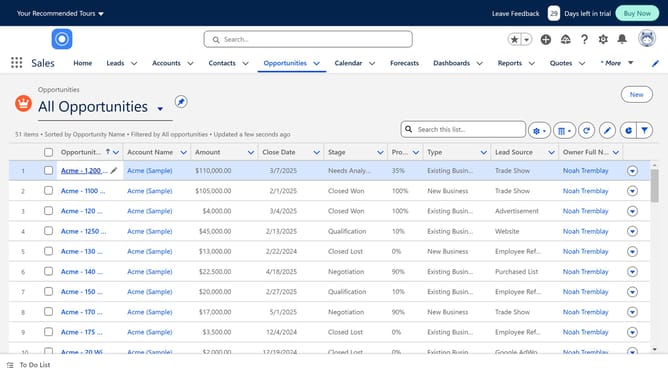
How to export a list from Salesforce
Here is how to export a list from salesforce
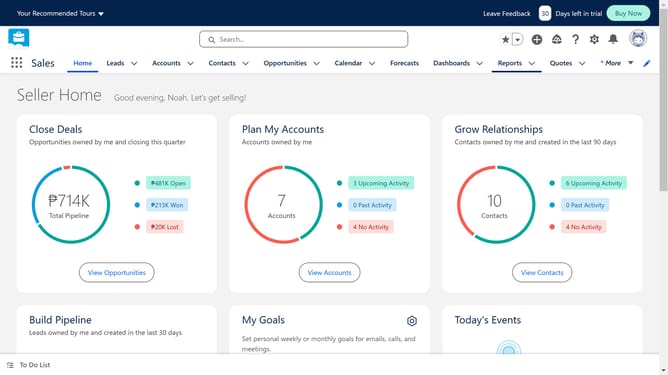
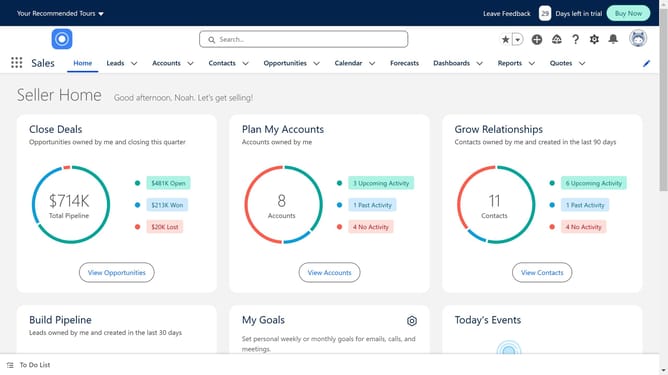
- First click on your profile icon in the top-right corner of the header
- Then click on "Switch to Salesforce Classic" option in the profile dropdown menu
- You can choose whichever list you want to export
- Click on the "Go!" button next to the "All Accounts" dropdown
- Click on the "Printer Friendly View" button in the top-right corner of the accounts list
- Hit Cmd+A or Ctrl+A on your keyboard to select everything on the screen
- And copy it with Cmd+C or Ctrl+C
- Open a new Google sheet and paste the accounts
Why should you export a list from Salesforce
Salesforce is a dynamic platform that streamlines customer relationship management and organizational processes.
Exporting lists from Salesforce allows you to easily transfer valuable data into other applications for deeper analysis or sharing.
Using this feature can enhance collaboration by providing team members with updated information in accessible formats.
Overall, it simplifies data management, saves time, and improves efficiency, making it a vital component of effective business operations.
Last update