How to add a product to an opportunity in Salesforce
Here is how to add a product to an opportunity in salesforce
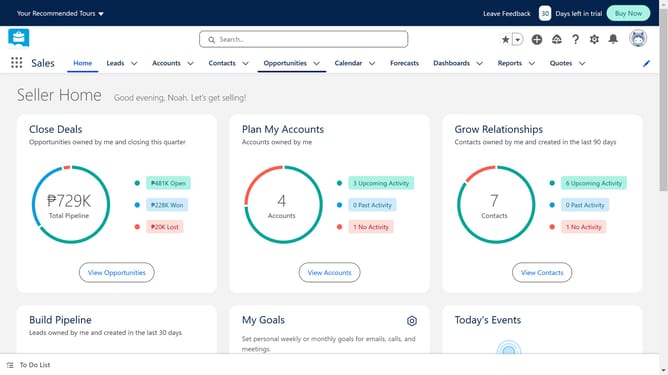
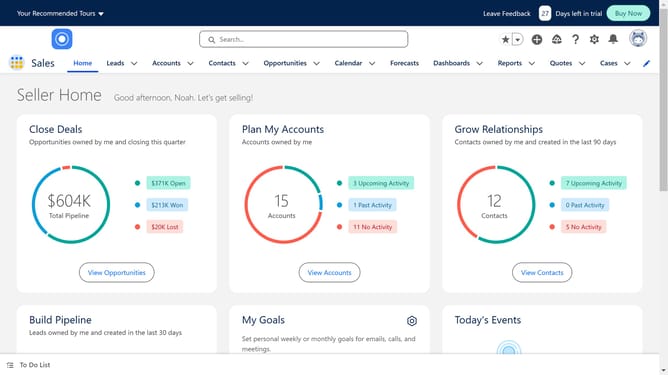
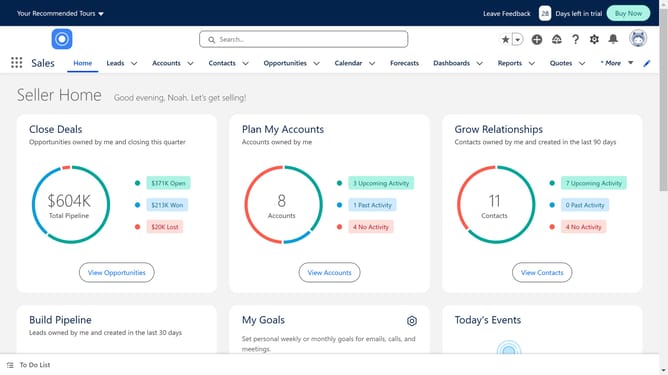
- First click on the "Opportunities" tab in the top navigation menu
- Locate the specific Opportunity record where you want to add the line items
- Click on the "Products" link in the right sidebar
- Click the "Add Products" button in the top right corner
- Select the checkbox of the product you want to add
- Click the "Next" button at the bottom of the Add Products dialog
- In the Edit Selected Products dialog, set the "Quantity" field to the desired value
- Finally click the "Save" button to save the product changes
Why should you add a product to an opportunity in Salesforce
Salesforce is a leading customer relationship management platform designed to simplify and enhance business interactions.
Adding a product to an opportunity in Salesforce is a powerful feature that enriches your sales process by providing a detailed overview of potential deals. This feature allows businesses to align products directly with opportunities, offering a granular view of what's being proposed to clients.
Using this feature helps in better forecasting and inventory management, ensuring that every aspect of the sales cycle is meticulously tracked and managed.
Ultimately, it empowers sales teams with precise data, leading to informed decision-making and improved customer satisfaction.
Last update